Operator manual · General
10 Best Software for Web Design in 2026: Pricing and Limits
In short
Compare the best software for web design in 2026, from Webflow and Figma to Wix and Squarespace, by features, ease of setup and price.
DBotMaker research desk · Updated November 17, 2026 · 14 min read
WordPress home pages averaged 52.8 detected accessibility errors in February 2026, against a 56.1 average across a million pages, according to accessibility.build's technology-stack research. The most-used publishing system on the web came out 5.8% cleaner than the average page and still shipped dozens of barriers on every page.
That gap is the argument for picking software by job rather than by feature list. The best software for web design is the one that produces a page you can publish, audit and move later, not the one with the longest template gallery.
The calls split five ways. Webflow for a designer who needs custom layouts, a CMS and code options on one canvas. Wix for a small business that wants a site live with no upfront payment. Squarespace for portfolios and brand sites, Figma for teams that design before they build, and Shopify once selling is the main job.
Scoring is identical for every product here: capabilities 40%, ease of setup 30%, value 30%. Those scores rest on documented features and published plan terms, not on hands-on testing. Plan terms are quoted from each seller's own pages. Read the price on the seller's page the day you buy and write down the date, because promotional rows expire and renewal rows don't.
Table of Contents
- 1. Webflow
- 2. Wix
- 3. Squarespace
- 4. Framer
- 5. WordPress.com
- 6. Shopify
- 7. Figma
- 8. Adobe Dreamweaver
- 9. Duda
- 10. Hostinger Website Builder
- How the ten tools compare on free access, best use and setup effort
- Matching the Tool to the Job Before You Pay
1. Webflow
Webflow is the pick when the layout in your head doesn't fit a template. The canvas gives control over layout, typography, spacing and responsive behavior at breakpoint level, and the CMS handles structured content such as articles, projects and listings without adding a second product.
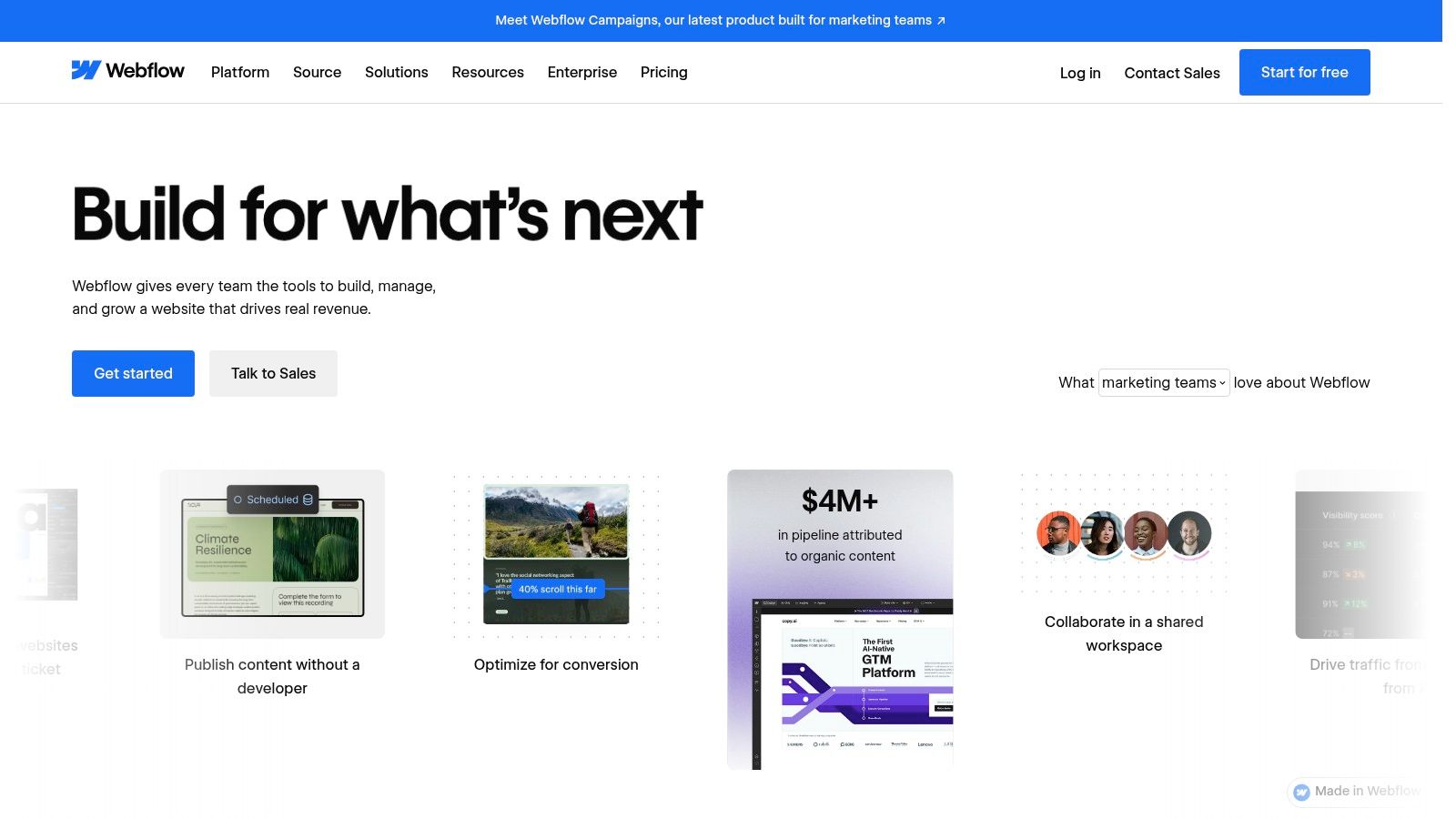
Two purchases sit behind a live Webflow site: a Workspace plan for the account and a Site plan to publish to a custom domain. Roundups quote one number and skip the other, which is why two teams on the same editor report very different bills.
Why the standards argument favors Webflow
W3Techs measured CSS on 99.6% of surveyed websites in November 2026, HTTPS on 90.8% and HTTP/3 on 41.1%, against 35.6% for HTTP/2 (W3Techs site element survey). A tool that writes clean class-based CSS and accepts custom code keeps those standards within reach. A tool that generates opaque markup and blocks stylesheet edits puts them out of reach.
- Custom code and export: qualifying plans allow code injection, and code export keeps an exit door open.
- Learning curve: steeper than drag-and-drop, and Webflow University exists because of it.
- Wrong job for it: a five-page brochure site takes longer here than in a simpler builder.
Teams that expect to deploy outside Webflow's hosting should read the Netlify review before committing to a deployment path. Plan details sit on Webflow's site.
2. Wix
Wix is the call for a business that needs a site live this week and can't put money down first. The free plan opens the drag-and-drop editor, the template library and AI-assisted setup, and payment starts when a custom domain or a business feature becomes necessary.
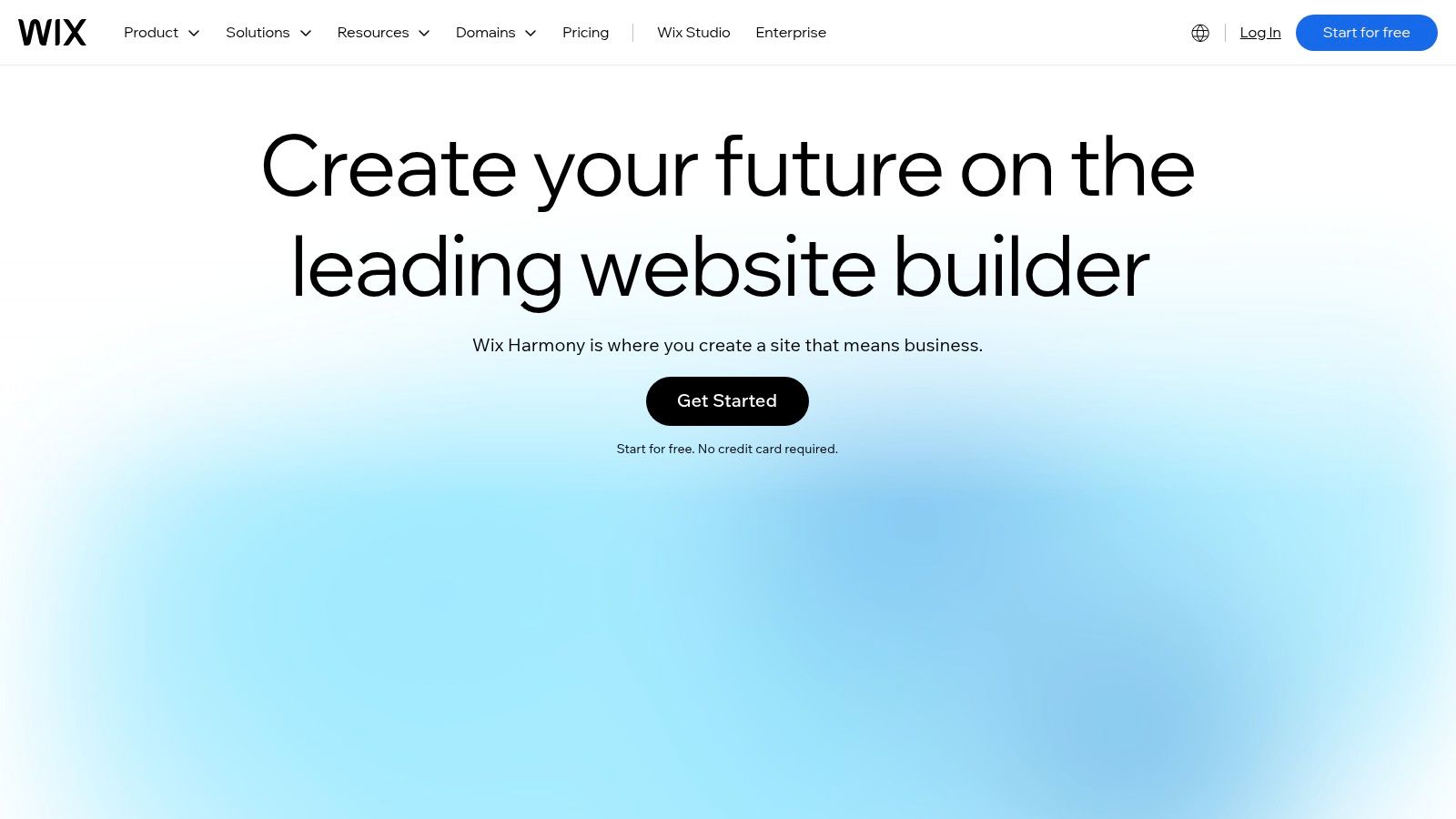
The catch sits in the plan ladder. Payments, stores and scheduling arrive on eligible paid tiers, and the number of tiers makes the upgrade path harder to price than one flat plan. The free address also stays a Wix address until you upgrade.
The accessibility bill arrives after launch
WebAIM's 2025 scan, as collected in Figma's web design statistics library, found 94.8% of the top one million home pages had at least one automatically detectable WCAG failure. The same coverage puts automated detection at about 30% of WCAG issues, so a green badge from a built-in checker is a starting line.
Pick the template with the plainest structure, then check heading order and form labels by hand. Polished templates ship with the same defects as ugly ones.
- Start free: no card needed to build, so the risk is time rather than money.
- Code control: limited, which caps how far a developer can clean up the output.
- Plan sprawl: compare the tier that includes your feature, not the entry price.
Current tiers are listed at wix.com.
3. Squarespace
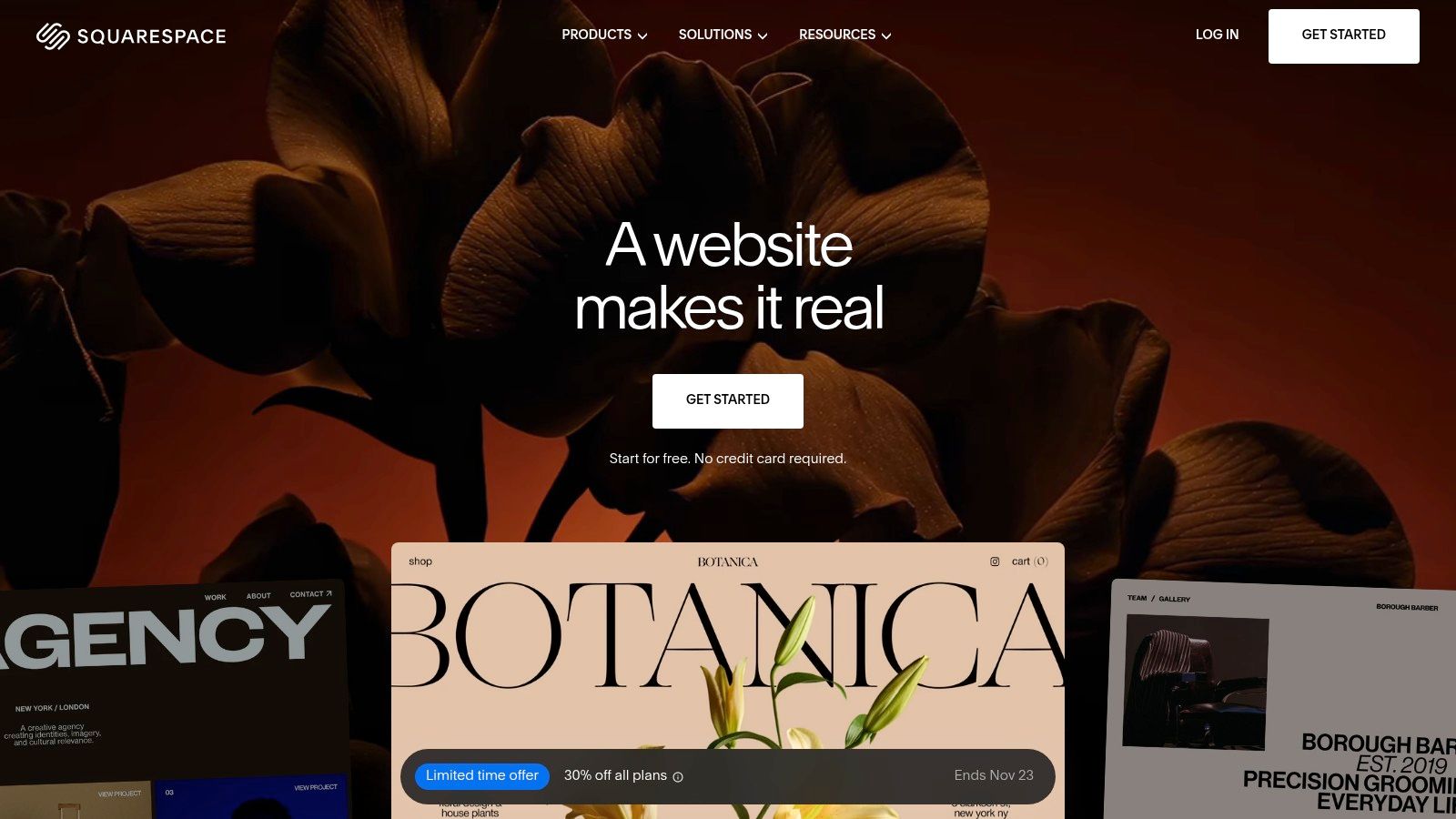
Squarespace is the call for a portfolio or a brand site where the starting template should already look finished. The templates are the product, the editor moves blocks without exposing markup, and hosting, SEO basics and mobile rendering come bundled. There's no permanent free site: the entry point is a 14-day trial, and annual plans on the cheapest tier include a year of domain registration for eligible domains.
Selling changes the plan math
Store features and transaction fees vary by tier, so the plan that fits a five-page portfolio isn't the plan that fits the same site with a checkout. Price the tier that includes selling before comparing anything else, and check whether the domain offer applies to the domain you want.
Accessibility claims need the same scrutiny. The W3C published WCAG 2.2 as a Recommendation in 2024, defining three conformance levels, A, AA and AAA, organized under 13 guidelines and four principles (WCAG 2.2). Level AA means every Level A and Level AA success criterion is met, or a conforming alternate version is provided. A polished template proves none of that.
- Best fit: photographers, studios, consultants, small brands.
- Weak fit: teams needing custom content models or code-level control.
- Watch: renewal pricing on annual terms and the tier that enables commerce.
Tiers are listed at squarespace.com.
4. Framer
Framer is the call when the page has to look like a designed object rather than a filled-in template. Layout, motion and responsive behavior are editable on one canvas, and a free plan lets a designer build before paying for a site plan.
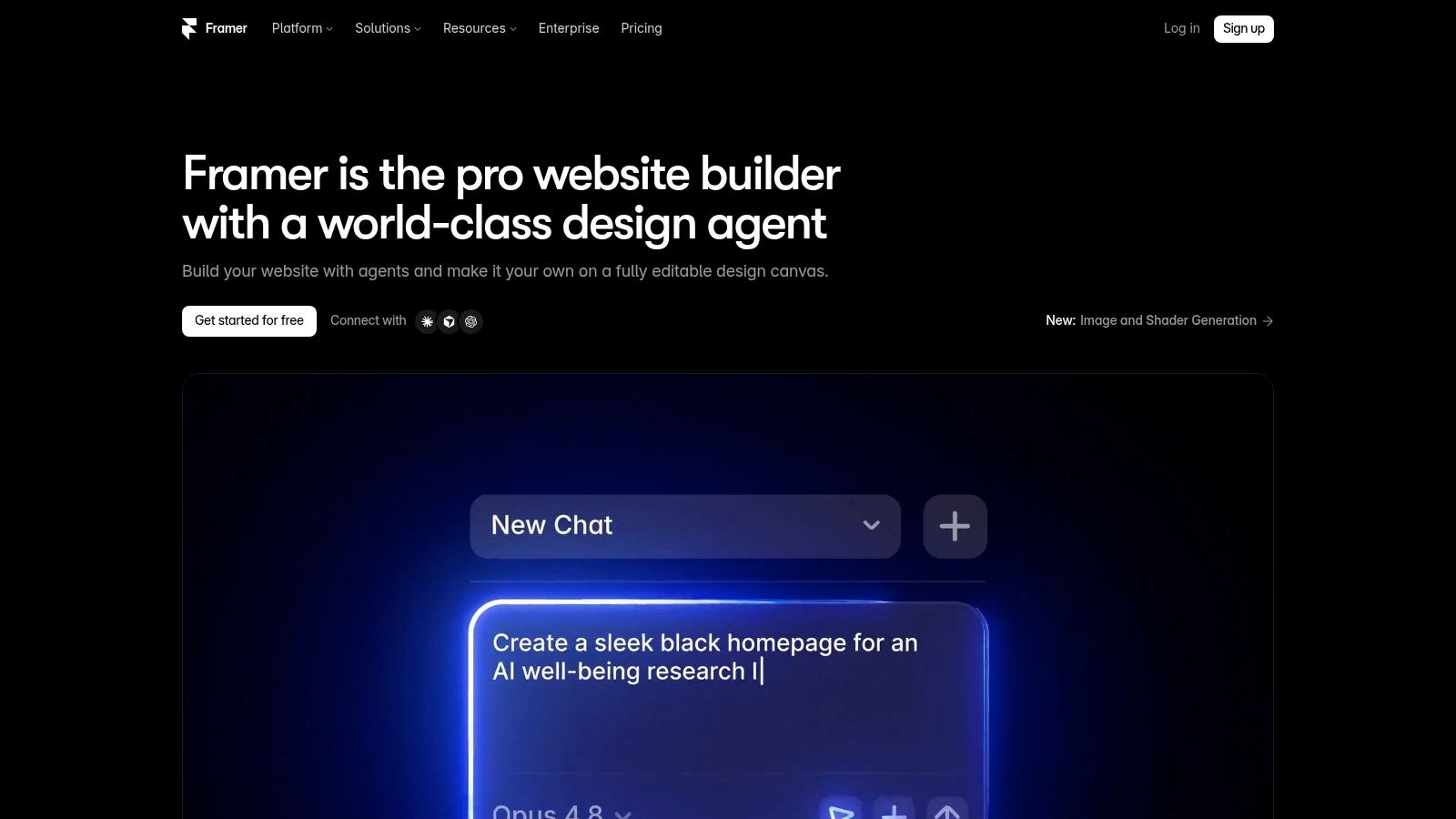
The limit to check first is the plan ceiling. Free and paid site plans differ on what you can publish and how much content the CMS holds, so a portfolio that grows past a handful of case studies can land on a higher tier than the one quoted in a comparison post. Custom domain costs belong in the same calculation.
Where motion breaks automated testing
Animated, layered pages are exactly where automated audits stop being useful. The W3C notes that WCAG success criteria are testable statements, but some can be checked by software while others need a human tester for part or all of the evaluation (W3C's WCAG 2.2 introduction). Reading order, focus behavior and whether an animation leaves a page unusable all need a person at a keyboard.
- Free plan: enough to evaluate the editor and the motion tools.
- Custom domains: a paid site plan.
- Weak fit: content-heavy sites with deep taxonomy or commerce.
Framer covers marketing pages and portfolios. It doesn't replace an application stack, and teams weighing no-code app routes should read the best AI app builders ranking before assuming a site builder covers it. Start at framer.com.
5. WordPress.com
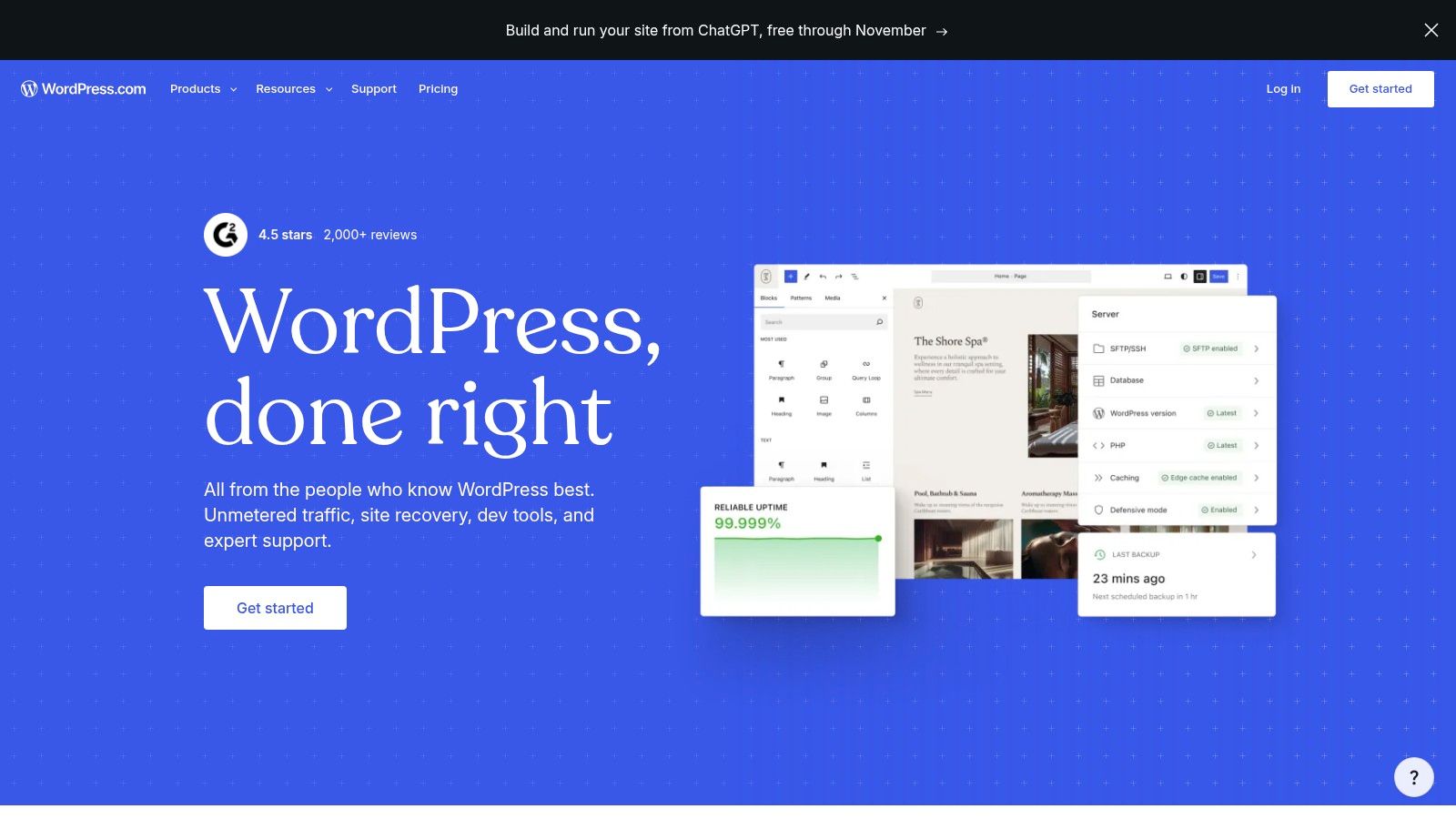
WordPress.com is the publishing pick: posts, categories, archives and a writing-first editor are the core product, and managed hosting with automatic updates means nobody on the team patches a server at midnight or chases a security release.
The installed base is the moat
W3Techs' November 2026 survey reports that 67.7% of surveyed websites use a content management system, WordPress alone accounts for 38.5% of all websites and 57.5% of the CMS market, and Shopify, Wix and Squarespace trail at 8.1%, 6.2% and 3.6% of that CMS market (W3Techs). That scale is the practical argument: themes, plugins, tutorials and freelancers who already know the system are easy to find.
The limit is plan gating. The free tier publishes to a wordpress.com address rather than a custom domain, and plugin access arrives on paid plans. Pay when the job needs a domain, a plugin, or more control than the writing tools give; stay free while the site is still a draft and a subdomain is acceptable.
- Start free: unlimited posts and pages on the free plan, on a subdomain.
- Upgrade trigger: a custom domain, or plugin access for a specific job.
- Trade-off: more configuration choices than a template builder.
If the shortlist is wider than hosted publishing, filter it through DBotMaker's content management system ranking, then check current tiers at wordpress.com.
6. Shopify
Shopify is the call once the storefront is the business. Products, orders, payments and sales channels sit behind one login, the theme editor handles the storefront, and checkout logic arrives built rather than bolted on.

The subscription is only part of the bill. Payment rates, app subscriptions and theme purchases sit on top, and plan terms plus payment-option availability differ by country. Price the plan against monthly order volume, not against a competitor's headline rate, and read the regional payment terms before promising a checkout to a client.
Page weight is a subscription cost
Every app you install adds scripts to a page you already pay to host. The 2025 Web Almanac reported that only 48% of mobile websites and 56% of desktop websites passed all Core Web Vitals, with a median desktop home page weight of about 2,862 KB, median mobile JavaScript around 632 KB, and images at roughly 36% of median mobile page weight (UXCam's UX statistics collection). App stacks are how a fast theme turns slow.
Practical rule: install one app, measure the mobile page, then decide. Six apps added in a week is the usual route to a store that fails on a phone.
- Right fit: merchants with a catalog and orders to manage.
- Wrong fit: a five-page brochure site with nothing to sell.
- Check: regional payment rates and app costs before the launch date.
Start at shopify.com.
7. Figma
Figma is the call for the phase before the build. Collaborative files, shared libraries and interactive prototypes let a team settle layout and flow in one artifact, and developer inspection turns that artifact into specifications instead of a screenshot thread.
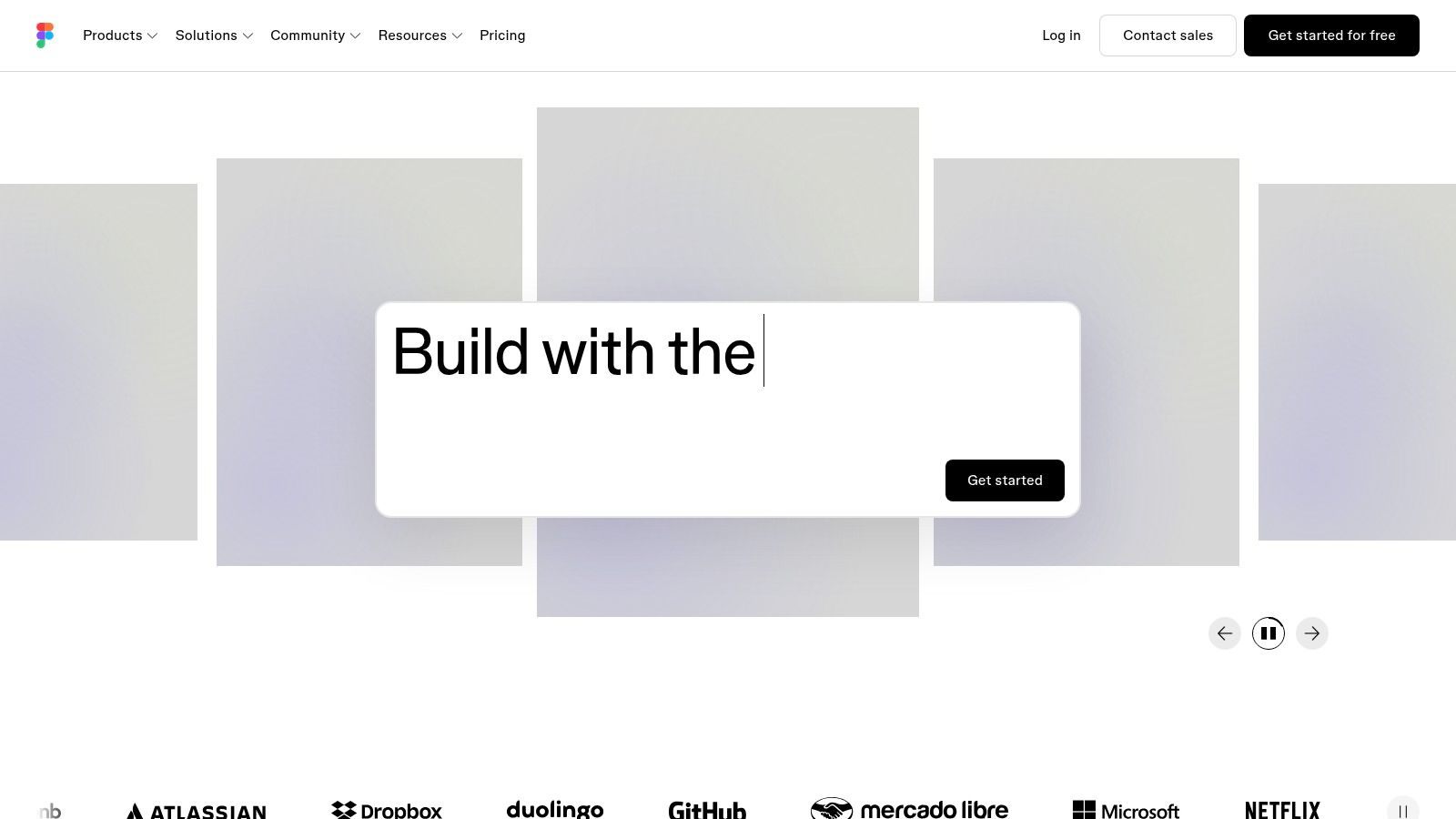
It isn't a website host. A Figma file doesn't become a live site with a custom domain, a CMS or a checkout, and Figma Sites doesn't change the core job. Budget for the builder or CMS that publishes the work.
Seats are the cost driver
Paid features are organized by seat type, so the bill scales with reviewers, not with pages. Add a client who only needs to comment and the seat math changes again. Price the team you'll have in six months, not the two designers in the room today.
Give every external stakeholder a view-only link before you buy a seat. Most review work is reading, not editing.
- Best fit: product and web teams that design before they build.
- Weak fit: a small business that wants a finished site this month.
- Handoff: inspection features replace a lot of annotation work.
The Starter plan is free at figma.com.
8. Adobe Dreamweaver
Dreamweaver is the call for a developer who wants to write the markup. It edits HTML, CSS and JavaScript directly, manages local and remote site files, and fits inside an existing Adobe workflow as a single-app subscription or through a Creative Cloud plan.
Code control is the whole product
Component frameworks still carry a lot of production styling. In Flatlogic's 2024 survey of 508 people across 33 countries, 28.9% reported using Bootstrap as their styling and component library, with Tailwind CSS at 24.4% (Flatlogic's starting web app research). Class-based frameworks want a real editor with search, replace and syntax awareness, which is what this product is.
Nobody publishes a site from Dreamweaver alone. Hosting, deployment and backups are separate purchases, and that's the cost comparison most roundups skip: the subscription buys the editor, not the site.
- Best fit: developers and anyone maintaining a hand-built site.
- Weak fit: a beginner who wants a finished site without learning markup.
- Watch: whether occasional edits justify a recurring subscription at all.
Product details sit at Adobe Dreamweaver.
9. Duda
An agency running client sites should pick Duda. The builder itself is solid, but the product around it is the reason to pay: a multi-site dashboard, client workspaces, team seats, role-based workflows, and white-label branding on higher tiers.
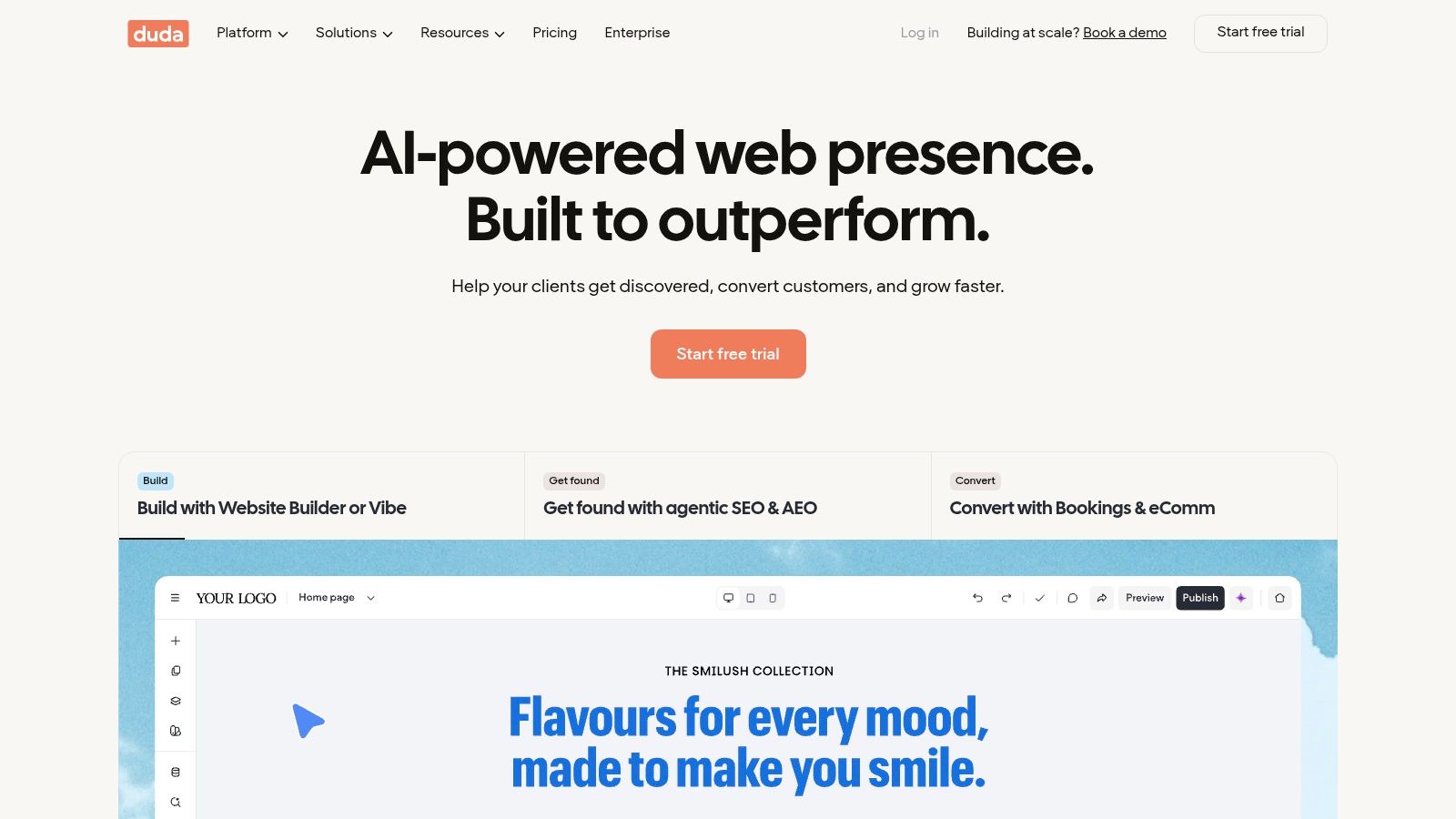
The plan split matters more here than the editor. The published-site allowance varies by tier, so adding client sites pushes you onto a higher plan rather than onto a flat subscription. Commerce and booking features are separate purchases or subscriptions on top. Price Duda against the number of live client sites you'll run in a year, not against a single site.
The trial is the fit test
Duda's pricing page offers a trial without a credit card. Use it to build one real client site end to end, including the handoff, then decide.
Charge the platform fee to the client as a hosting line on the invoice from the first month. Agencies that absorb it lose margin on every site they add.
- Best fit: agencies and freelancers with several client sites.
- Weak fit: a single small business site, where an entry-level builder costs less.
- Check: which tier includes white-label branding, and whether commerce or booking sits in your plan or on top of it.
Details are at duda.co.
10. Hostinger Website Builder
Hostinger Website Builder is the call when one bill for building and hosting is the requirement. The drag-and-drop editor and AI tools sit inside a hosting account, with SSL and support bundled by package, and certain annual plans list a free domain.
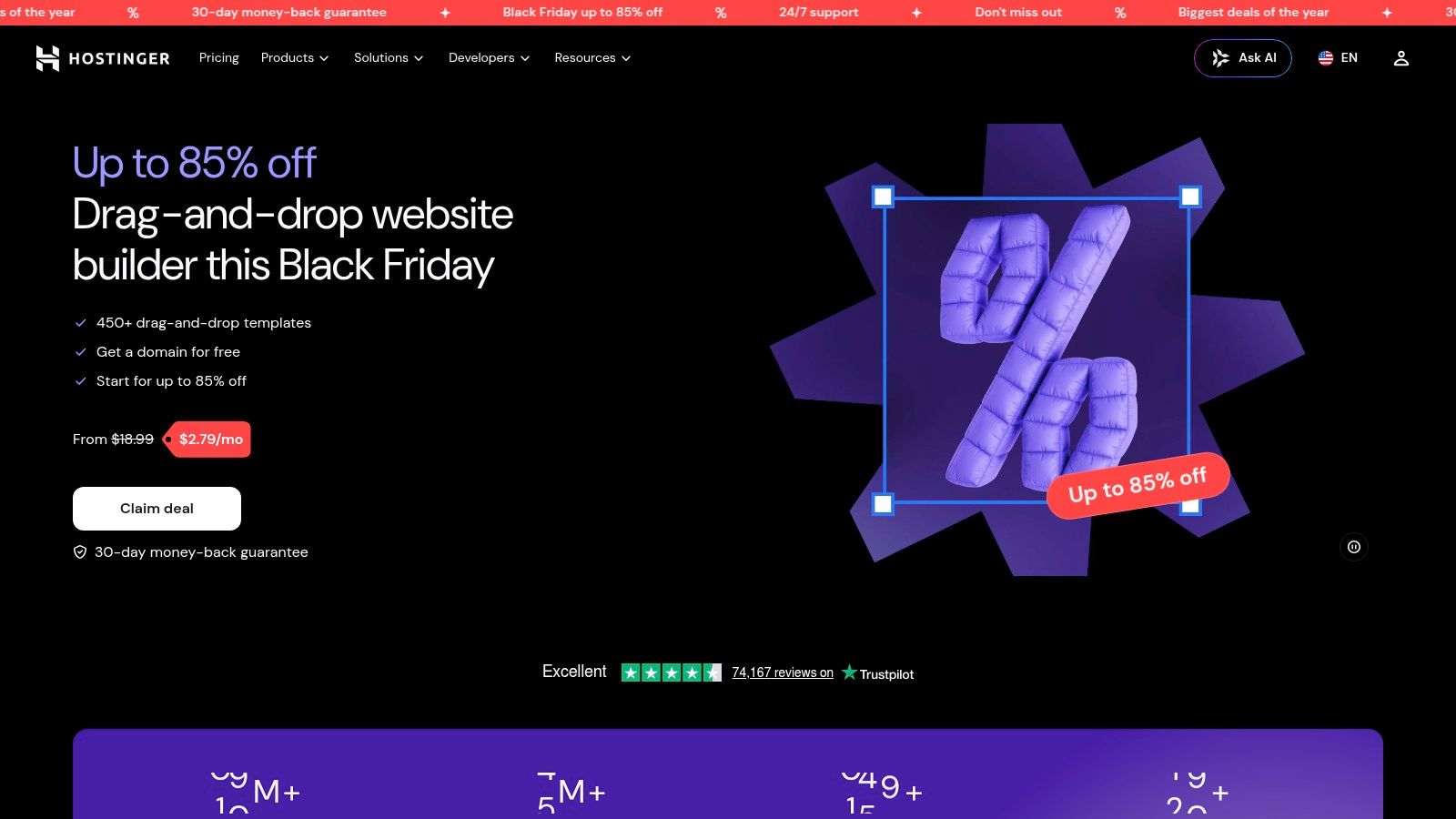
The advertised number is the least useful figure on the page. Promotional pricing generally depends on a long initial term, and renewal pricing can differ substantially from the introductory rate. Copy the checkout total for the full term and the renewal price for the following year before deciding, because the second number is what the site costs.
Portability is the exit price
A bundled builder and host is convenient until you want to move. Custom workflows and code portability are limited, so treat the platform as the long-term home rather than a staging step. Buy on the assumption you'll stay for the renewal.
- Best fit: small businesses and first sites that want one provider.
- Weak fit: teams that need to migrate a codebase between hosts.
- Watch: term length, the renewal rate and what happens to the free domain on renewal.
Current offers are at Hostinger Website Builder.
How the ten tools compare on free access, best use and setup effort
| Item | Free option | Best for | Ease of setup | Pricing model |
|---|---|---|---|---|
| Webflow | No free option specified; paid plan required for a custom domain | Custom marketing and portfolio sites | Moderate learning curve | Separate Site and Workspace plans |
| Wix | Free plan available | Small businesses seeking an all-in-one builder | Easy to start | Free plan; paid plans for custom domains and business features |
| Squarespace | 14-day trial; no permanent free plan | Portfolios, service businesses, and small brands | Easy with templates | Paid plans; selling fees depend on plan |
| Framer | Free plan available | Design-led landing pages and portfolios | Some workflow learning required | Free and paid site plans |
| WordPress.com | Free plan available | Blogs, publications, and content-led sites | Moderate; configuration choices | Free and paid subscriptions |
| Shopify | No free option specified | Online stores and merchants | Moderate; store setup required | Subscription plans, with possible payment and app fees |
| Figma | Free Starter plan | Collaborative interface design and prototyping | Easy for design collaboration | Free plan; paid features priced by seat type |
| Adobe Dreamweaver | No free option specified | Developers who want direct code control | Requires web coding knowledge | Single-app or Creative Cloud subscription |
| Duda | Trial available without a credit card | Agencies managing client websites | Built for professional client workflows | Tiered plans; some features cost extra |
| Hostinger Website Builder | No free option specified | Users wanting a builder and hosting in one place | Easy, with AI-assisted tools | Bundled hosting and builder plans; renewal pricing may differ |
Matching the Tool to the Job Before You Pay
The job decides the tool. A designer building custom layouts takes Webflow or Framer, because both let a layout exist without a template arguing with it. A small business that needs a site live before it has revenue starts on Wix free, and one selling a look rather than a product takes Squarespace. A publication takes WordPress.com, because the archive structure is the product. A store takes Shopify, because orders and payments are the work. A team that designs before it builds takes Figma in the design phase and a builder afterward. A developer writing markup takes Dreamweaver. An agency with a client roster takes Duda. A buyer who wants building and hosting on one invoice takes Hostinger Website Builder.
The four terms to read before checkout
Each of these products hides its real cost in a different row. Check these four before paying:
- Publishing and domain: which plan lets you point a custom domain at the site, and whether the domain is included or billed separately.
- Seats and projects: how many editors, reviewers or published client sites the plan covers, and what the next unit costs.
- Feature gates: the specific feature that forces the upgrade, such as plugin access, white-label branding, commerce or CMS records.
- Renewal: the price after the introductory term, and whether the plan renews monthly or annually.
Copy the price, keep the date
Open the seller's pricing page in the session where you'll buy, copy the plan name and the amount for the term you're choosing, and record the date. Plan terms change, promos expire, and a number from a roundup published six months ago is a guess. A price more than a few months old deserves a second check before it enters a budget or a client quote.
Score the shortlist the same way for every tool: capabilities 40%, ease of setup 30%, value 30%. Capabilities covers what the tool produces without an add-on, setup covers how long a first real page takes, and value covers published plan terms rather than the discount banner.
What a ranking can't tell you
Feature lists don't predict the quality of the pages a tool produces. Build one real page in each finalist, run it through an automated audit, tab through the whole thing with a keyboard, and load it on a mid-range phone over mobile data. Two hours of that beats a week of comparison reading, and it applies the same test to a template builder, a hosted CMS and a code editor.
Before the next renewal date, open DBotMaker and read the ranking for the job you're hiring software to do. Each entry opens with a spec sheet covering the starting price copied from the seller's page with the date checked, whether a free plan or trial exists, the platforms it publishes to, and the one spec that decides the category, so the shortlist gets shorter before the card comes out.
Spotted an error in this guide? Email editorial@dbotmaker.io