Operator manual · General
Best RPA Software in 2026: Ten Platforms Ranked
In short
Best RPA software ranked for 2026 on capabilities, integrations, setup and cost. See the top pick for Windows teams and enterprise alternatives.
DBotMaker research desk · Updated November 14, 2026 · 15 min read
In 2015, only 13% of organizations planned to increase automation investment in robotic process automation. By 2020, 78% had already implemented RPA, and another 16% planned to within three years, according to Deloitte's global intelligent automation survey of 441 executives across 29 countries. The buying question changed with those numbers. Nobody needs convincing that bots work. The question is which platform a team can still operate in year three.
The short answer is to match the platform to the stack that will run it. When automating Windows desktop applications, including older software without APIs, Microsoft Power Automate belongs at the top of the shortlist, especially in Microsoft-centric organizations where the listed entry price sits well below many enterprise RPA contracts. Teams that want the broadest toolset and a free Community plan to start should look at UiPath. Where governance across many bots is the main requirement, compare SS&C Blue Prism and Automation Anywhere, with the caveat that both price through quotes.
The DBotMaker research desk scores every product on the same weights: capabilities 40%, ease of setup 30%, value 30%. The rankings rest on documented features and published terms, not hands-on testing.
Table of Contents
- 1. UiPath
- 2. Microsoft Power Automate
- 3. Automation Anywhere Automation 360
- 4. SS&C Blue Prism
- 5. SAP Build Process Automation
- 6. IBM Robotic Process Automation
- 7. Appian RPA
- 8. Pega RPA
- 9. ServiceNow RPA Hub
- 10. Rocketbot
- How the ten RPA platforms compare on best fit, free route, price visibility and core platform
- Choosing the Right RPA Platform Before You Sign
1. UiPath
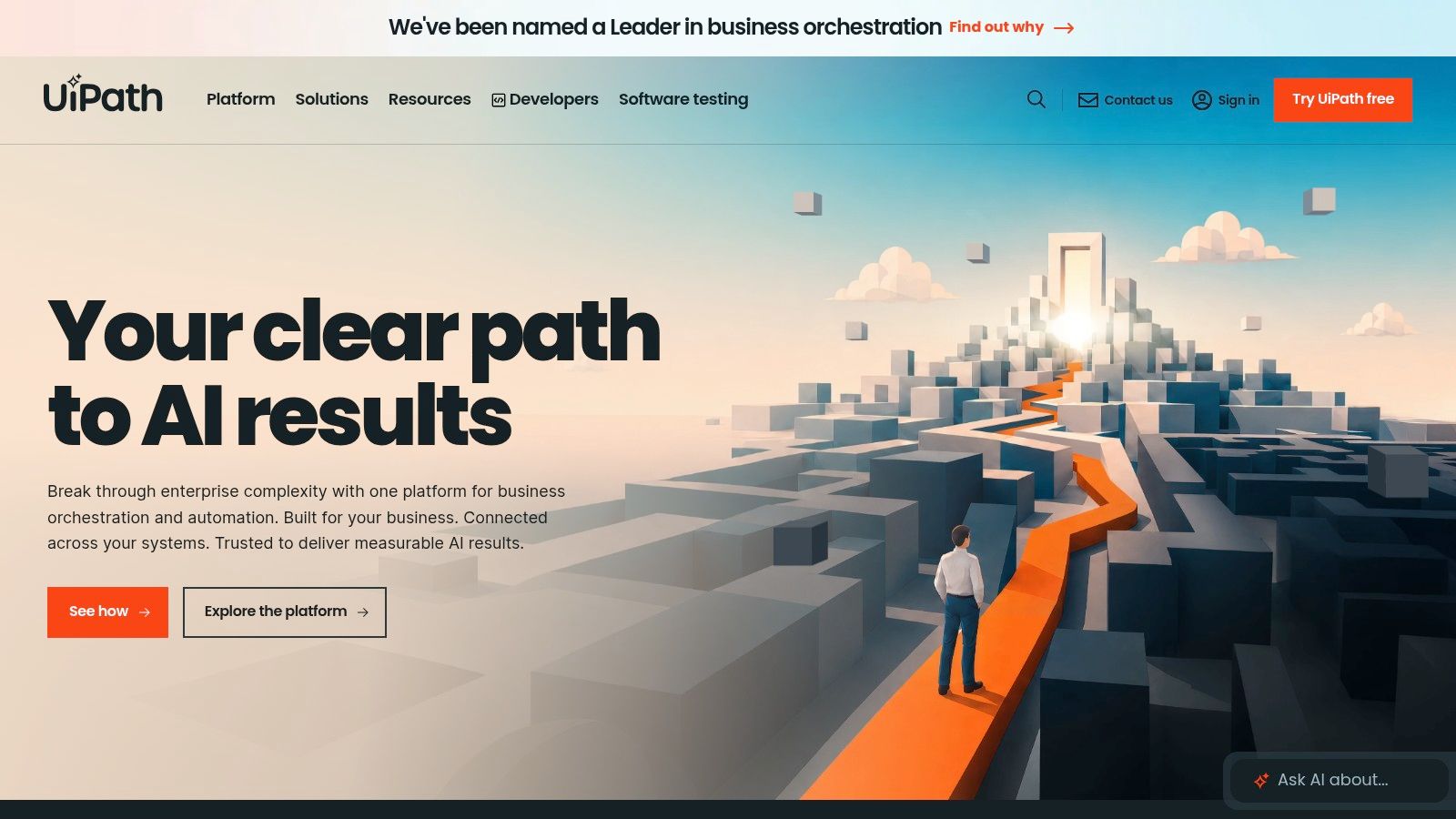
UiPath carries the widest feature surface in this list. Studio covers visual and code-first automation design. Orchestrator handles deployment, scheduling, monitoring, queues and governance. Attended, unattended and testing automations sit in one product, alongside document processing, API workflows and process orchestration.
Who it suits
A pair of developers that expects to become an automation center of excellence. The UiPath platform gives eligible users a free Community plan to build and learn before procurement gets involved, and the academy material plus a large user community shorten the ramp.
Where the cost hides
Orchestrator is a platform, not a checkbox. Somebody has to own queues, assets, credentials, package versions and environments, and that person's time never appears on a quote. The scale gap is real. In Deloitte's 2018 global robotics survey of 530 respondents, just 4% operated more than 50 robots while 95% reported improved productivity, as the Deloitte global robotics survey recorded. Plenty of value, very few large estates. Most buyers pay for orchestration capacity they never fill.
Practical rule: Count the bots that will run unattended in production, not the demo workflows. Under 10, price UiPath against a lighter tool first.
Enterprise licensing is quote-based, so ask for the three-year figure including support. Complex automations need development skills to build and to maintain, and the platform's breadth makes initial administration heavy for a small team.
2. Microsoft Power Automate
If the estate is Windows desktops and Microsoft 365, start here. The desktop recorder and drag-and-drop actions drive Windows applications, including the older software with no API that no cloud connector will ever reach. Cloud flows then link event-driven work to the same desktop automation, so a Teams message or an Outlook trigger can start a bot.
What it does well
Microsoft lists more than 400 prebuilt actions and connectors on its Power Automate product page, and process mining ships in the listed Premium plan. Identity comes from the same directory the rest of the business already uses, which removes one of the costliest setup steps in enterprise RPA.
What it costs to run
Forrester Consulting modeled a composite 30,000-employee organization and put quantified benefits at $55.93 million against $16.08 million in costs over three years, a net present value of $39.85 million and a 248% return, per the Total Economic Impact study of Microsoft Power Automate. Licensing accounted for $11.8 million. Implementation and initial training labor came to $1.0 million, and employee training plus ongoing platform management to $3.3 million. The same organization trains 1,800 workflow builders and keeps five developers.
Training and management together ran to about a third of license spend. Budget both, and remember this is a commissioned vendor model analyzing one composite scenario, not a benchmark that predicts your return.
Where it falls short
Licensing splits attended from unattended automation, and that distinction changes what an overnight bot costs. Desktop automation depends on Windows and breaks when interfaces change, and complex flows get hard to debug. For cloud-first processes with no desktop step, DBotMaker's ranking of the best workflow automation software covers the alternatives.
3. Automation Anywhere Automation 360
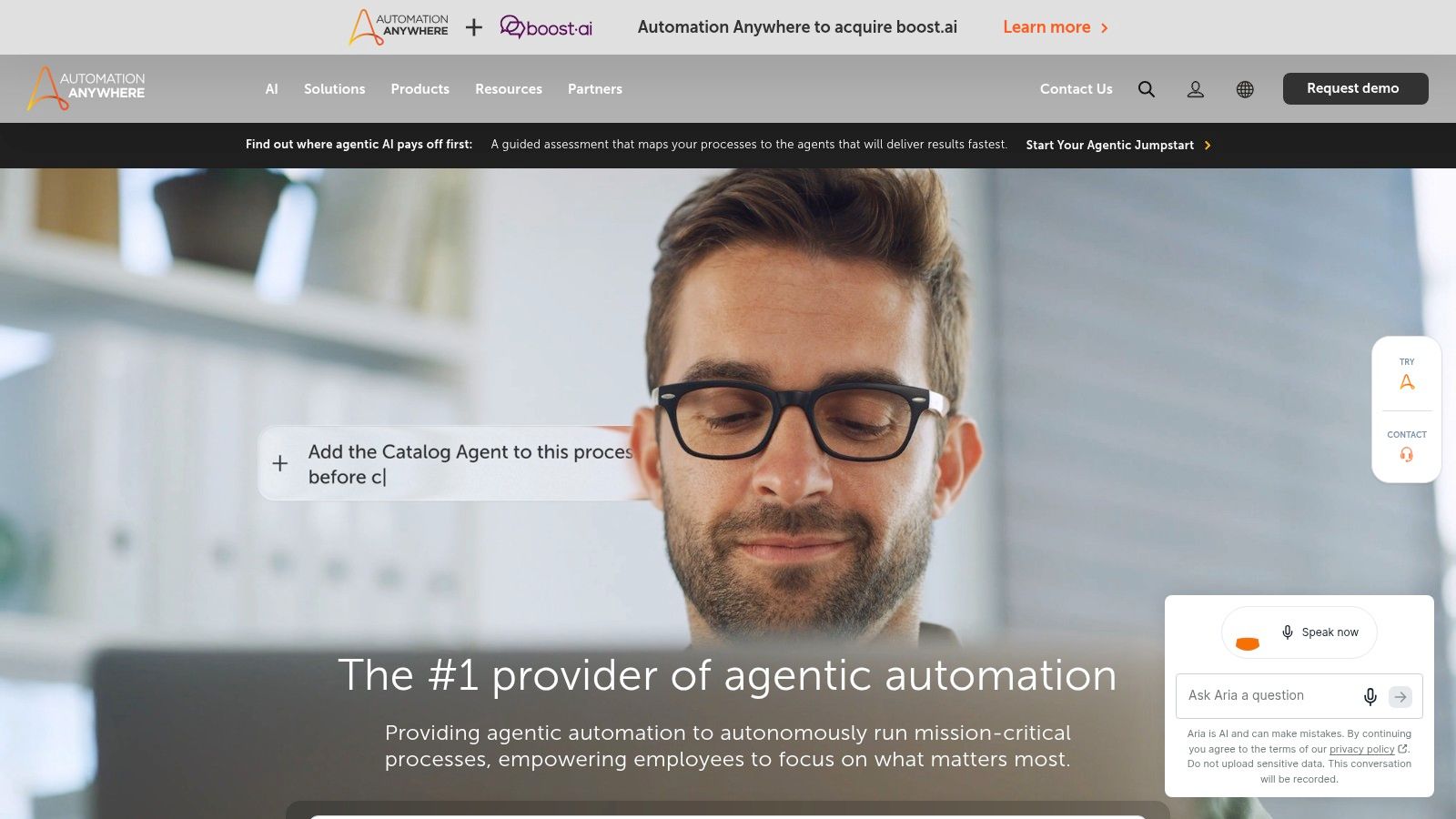
Automation 360 is the cloud-native option among the large suites. A web-based Control Room manages automations, the recorder handles desktop and browser steps, and API tasks sit alongside UI work rather than in a separate product. Process Composer assembles those steps into workflows.
Who it suits
A team that wants to test before it buys. The free Community Edition lets people build and learn on Automation Anywhere, with limits on team collaboration and concurrent bot operation. Everything commercial runs through a quote.
The agentic question
Automation Anywhere has pushed hard into AI agents, and there is a market behind the direction. The AI-in-RPA segment grew from $4.09 billion in 2024 to $4.79 billion in 2025, a 17.1% compound annual growth rate, according to The Business Research Company's 2025 report. The buyer's job is telling a genuine agent runtime from a rebranded bot runner. The architecture question worth asking is how agent orchestration hands work back and forth between models, bots and people. Ask what happens when the model is unsure. A human review queue with a full audit trail is a real answer.
Where it falls short
Pricing is quote-only, so the first number isn't the last. The platform is large for a department with a dozen simple tasks, and edge cases in long multi-application bots take time to debug.
4. SS&C Blue Prism
Blue Prism treats bots as a workforce that needs managing rather than scripts that need running. Centralized management and governance, cloud and enterprise deployment, orchestration across automations and human handoffs, plus a Learning Edition for training all follow that model. Gartner named it a Leader in its 2025 RPA Magic Quadrant.
Who it suits
A regulated enterprise with a standing automation program, an approval process and a named owner for the bot estate. Banks, insurers, healthcare operators and public-sector teams fit the operating model the product was built around.
The governance gap vendors skip
Buying governance features doesn't produce governance. The U.S. General Services Administration found that 61% of federal RPA programs, 30 in total, had taken steps to make their programs audit ready, while 76%, or 37 programs, used publicly available data or personally identifiable information on an ad hoc basis for privacy controls, which the State of Federal RPA report flagged as an increase in security risk. The platform logged the activity. The program still hadn't written the procedure.
A platform can enforce a policy that exists. It cannot invent one.
Where it falls short
Commercial pricing isn't published, so the only number is the one a sales team gives you. For a handful of departmental automations the operating model is heavier than the work, and if nobody uses the oversight, the setup effort was waste. Site: SS&C Blue Prism.
5. SAP Build Process Automation
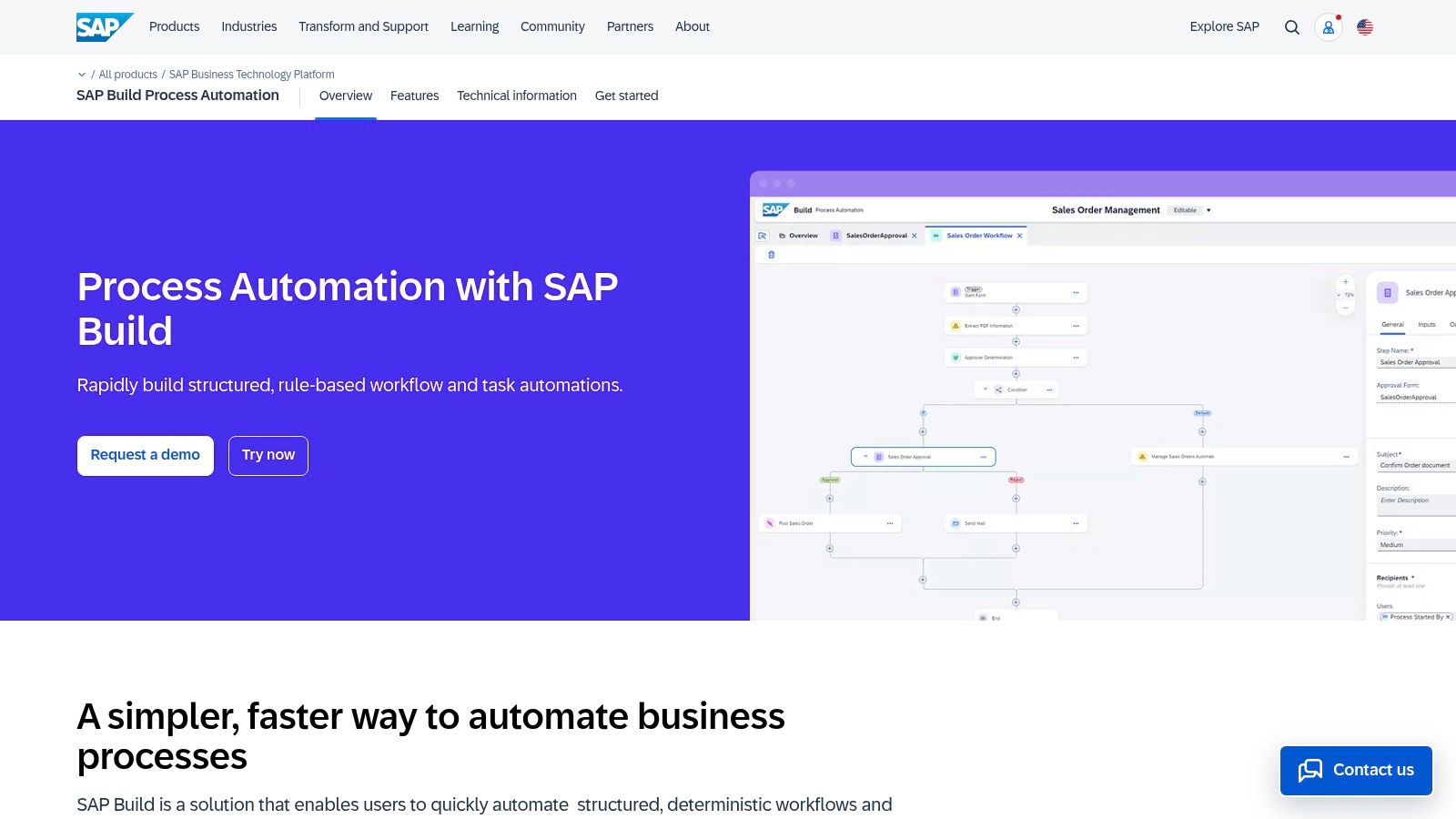
For an SAP-first business, SAP Build Process Automation is the natural fit, especially when key processes already run inside SAP. Its low-code workflow builder, business rules, process visibility, attended and unattended bots, prebuilt content packages, and connectors bring workflow automation and UI automation into one environment.
Who it suits
Choose it if invoice matching, procurement approvals, or master data checks are slowing work inside SAP. The team can build workflows and bot steps in the same platform, but that does not remove the need to design processes and maintain automations as applications change.
The suite cost trap
SAP prices through licensing components on its business technology platform, not a flat subscription. Get the full cost in writing before you commit, including the components needed for your workflows and bots. The software license is only part of the bill: process design, integration, security, and ongoing maintenance also take budget and staff time.
Where it falls short
SAP familiarity and platform configuration shape how quickly the team can roll it out. UI automations also need updates when screens change, so assign an owner to maintain them. The SAP Build Process Automation product page describes the free tier for prototyping.
6. IBM Robotic Process Automation
IBM RPA suits teams that need Windows-based automation and a choice of SaaS or on-premises deployment. It combines low-code authoring, a recorder and scripting support with attended and unattended bots. Runs can start through an API, on a schedule or on demand. A 30-day trial lets a technical team test the workflow before committing.
Who it suits
Choose IBM if your organization already works with IBM or needs bots to run on premises. Its Windows focus fits legacy environments where automation depends on desktop applications. The maintenance burden remains: teams must manage bot credentials, access, changes and logs alongside the automation itself.
The security lesson every buyer should copy
A General Services Administration Office of Inspector General audit issued August 6, 2024 found that the agency's RPA program did not meet its own IT security requirements for secure bot operation. It also found that system security plans were not consistently updated to cover bot access, according to the GSA Office of Inspector General audit. Its recommendations make a practical buying checklist: assign oversight for policy enforcement, verify monitoring controls work, and document bot and non-person-entity access in security plans.
The audit covers one agency's program. Apply the lesson to any deployment: a platform cannot replace clear ownership of identity, credentials, change control and audit logs. Put those requirements in the project plan.
Where it falls short
Before signing, confirm the quoted configuration and licensing on the IBM RPA product page. The main trade-off is the ongoing work of maintaining desktop bots as the applications and access rules they depend on change.
7. Appian RPA
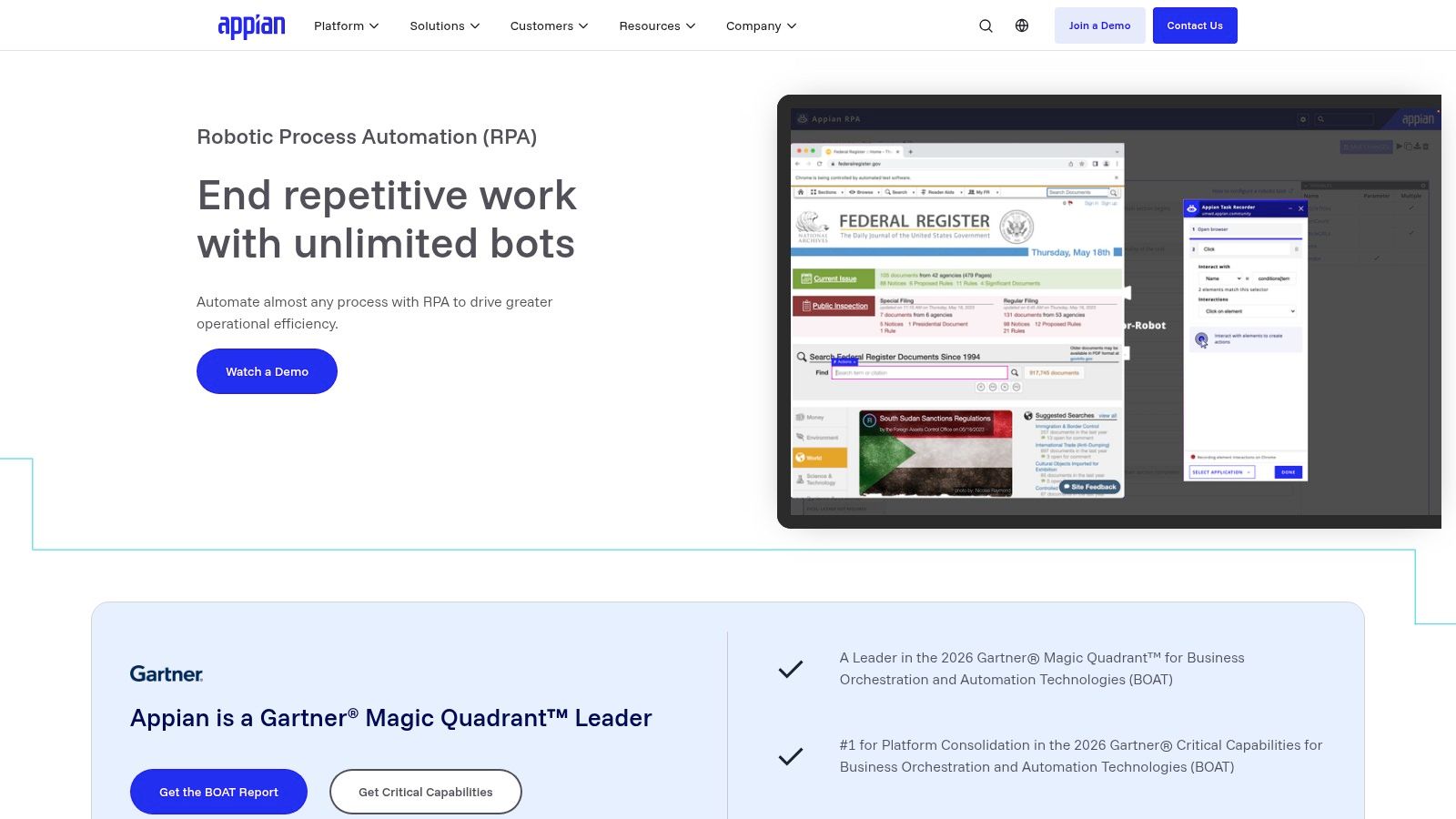
Appian RPA suits teams that need bots inside a larger process, with people reviewing decisions along the way. Its task recorder and bot designer work with orchestration, document processing and case management in the same platform. The Appian RPA product page lists tiers of 5, 25 or unlimited bots.
Who it suits
Choose Appian when a process needs a human decision in the middle. In claims triage, onboarding or KYC review, a bot can gather and check information before a person approves the next step. The workflow can keep that decision with the record.
For screen scraping without a human review or broader workflow, Appian may be more platform than the task requires.
The trap is integration, not license
A 2025 automation research paper reports that integration difficulty affects 62% of organizations, while insufficient skills and difficulty changing business processes affect 55% and 52%, respectively. Appian keeps process logic, forms and bots together, but connections to an ERP, data warehouse or identity provider still need planning and upkeep.
Every connector you don't have becomes a project. Count them before the demo, not after the contract.
Where it falls short
If RPA is the only capability you need, you pay for a broader platform to use one part of it. Overall pricing requires contacting Appian, and your team still has to maintain the integrations around each process. Choose it when the workflow around the bot justifies that platform cost.
8. Pega RPA
Pega's robot line covers attended desktop automation and unattended bots, with Robot Studio for design and Robot Manager for monitoring performance. The value shows up when a bot step sits inside a Pega workflow, business rule or case type, so the automation inherits case data instead of logging in to fetch it.
Who it suits
An organization already running Pega for customer service or operations. Robots work across applications that will never get an API, and the results land in the case file where agents and supervisors can see them.
The deployment question to settle first
Cloud or on-premises isn't a detail, it's a budget line. A 2025 market analysis reported that large enterprises with more than 1,000 employees accounted for 72.5% of global RPA software revenue, with on-premises deployments at roughly 53.6% of market share and cloud the fastest-growing segment at a projected 36.95% compound annual growth rate, per Process Excellence Network's market analysis. Regulated buyers often keep bots inside their own network. Distributed teams get faster rollout and centralized governance from SaaS. Score the deployment model separately from the feature list.
Where it falls short
Best value depends on adopting more of Pega, and the product targets programs rather than a single analyst. Reviews of the wider Pega Platform cite a learning curve and high perceived cost, though those reviews cover far more than RPA. Public pages on the Pega RPA product don't price it, so the quote is the only real number.
9. ServiceNow RPA Hub
RPA Hub adds UI automation to ServiceNow workflows. Bots are designed and managed in the hub, run attended or unattended, and get triggered from Flow Designer alongside the forms and requests that already exist. Central scheduling covers the whole fleet.
Who it suits
An existing ServiceNow customer with a queue of work that ends in a green screen. The bot reaches systems with no API, and the request, approval and audit trail stay inside the platform IT already runs.
The bundle question
RPA Hub is presented as part of Automation Engine, not a standalone product with a clean price. The cheapest way to buy it may already sit in your contract, and the most expensive way is adding it as a new line item. Check what renewal includes before a new purchase.
Platform bundles keep growing because the market is. MarketsandMarkets projects the RPA market to reach $28.6 billion by 2031 from $8.12 billion in 2026, a 28.66% compound annual growth rate, driven partly by generative AI integration, according to the 2026 GlobeNewswire release of the MarketsandMarkets forecast. Bundling is how large vendors capture that spend.
The platform you already pay for is the shortest procurement route. It's also the easiest to overpay for, because nobody renegotiates a bundle.
Where it falls short
Public product pages on the ServiceNow RPA Hub don't give enough detail to compare total cost without a quote. And none of it makes sense for a company that doesn't run ServiceNow.
10. Rocketbot
Rocketbot is a better fit for teams that want published plan details than for buyers expecting a simple, low-cost bot. Its suite includes Studio for desktop and application automation, an Orchestrator for scheduling and monitoring, cloud flow-building, AI tools and app-building. The Rocketbot plans page lists execution capacity and user limits. Check those against the number of bots, workloads and people your team needs before committing.
Who it suits
Consider Rocketbot if your team wants pricing and plan limits to review before contacting sales, and has developers comfortable working with Python. It also fits teams that want desktop automation alongside orchestration and cloud tools.
For cloud-only workflows, compare it with no-code automation tools. They may better match a team that does not need Rocketbot's desktop automation suite.
The cost story buyers get sold
RPA can cut expenses, but savings are not guaranteed. In an IDC economic-impact study of 518 medium-sized and large enterprises across five countries, 44% reported reduced expenses, 41% reported revenue growth and 15% reported quality improvements. The study also found 41% cited slower hiring and 13% reported employee terminations, according to the IDC RPA economic impact study. It covered users of one platform and was sponsored by its supplier, so treat the findings as directional rather than as a forecast for your team.
Where it falls short
Rocketbot's entry price can be a heavy commitment for one person or a small team. Capacity limits also make workload sizing important: estimate execution needs before choosing a plan, then account for the ongoing work of maintaining bots as applications change.
How the ten RPA platforms compare on best fit, free route, price visibility and core platform
| Item | Best for | Free route | Pricing visibility | Core platform |
|---|---|---|---|---|
| UiPath | Teams scaling from individual automations to governed processes | Community plan for eligible users | Enterprise pricing may require a sales discussion | Visual and code-first RPA with orchestration |
| Microsoft Power Automate | Microsoft-centric teams automating Windows apps and cloud workflows | No free route stated | Listed entry pricing; licensing distinctions need review | Cloud workflows and Windows desktop RPA |
| Automation Anywhere Automation 360 | Teams combining UI automation, APIs, and process orchestration | Limited Community Edition | Commercial pricing is quote-based | Cloud-native RPA and process automation |
| SS&C Blue Prism | Enterprises managing a governed digital workforce | Learning Edition and training resources | Commercial pricing is not publicly posted | Enterprise RPA, cloud deployment, and orchestration |
| SAP Build Process Automation | Organizations automating SAP-centered processes | Free-tier access for prototyping | Licensing components are public, but not a simple flat price | Low-code workflows, RPA, and business rules |
| IBM Robotic Process Automation | Organizations seeking hybrid deployment and Windows automation | 30-day trial | Listed paid price; confirm current licensing and configuration | Attended and unattended RPA with SaaS or on-premises deployment |
| Appian RPA | End-to-end processes combining bots, people, and case management | No free route stated | Bot tiers are public; overall platform pricing requires contact | RPA integrated with low-code workflows and case management |
| Pega RPA | Pega users automating complex operations and workflows | No free route stated | No public pricing details provided | Desktop bots integrated with Pega workflows and case management |
| ServiceNow RPA Hub | Existing ServiceNow customers automating legacy applications | No free route stated | Standalone pricing is unclear; quote may be needed | UI automation integrated with ServiceNow workflows |
| Rocketbot | Teams wanting public pricing and a broader automation suite | No free route stated | Public pricing provides upfront cost information | RPA Studio, orchestration, cloud automation, and AI tools |
Choosing the Right RPA Platform Before You Sign
Shortlist two platforms that fit your existing stack, then open each vendor's current pricing page and record the date you checked it. Treat quote-based and suite-bundled pricing as the largest unknown in the comparison, because the RPA line item often matters less than the platform it sits inside. A bot license bought inside an SAP or ServiceNow contract carries a different renewal risk than a standalone RPA subscription, and nobody renegotiates a bundle.
Use a free route or trial where one exists. The Community plans from UiPath and Automation Anywhere, and the 30-day IBM trial, let a team build one real workflow against its own applications before anyone signs. Build the ugliest process you own: the one with three systems, a spreadsheet and a PDF attachment. If the tool handles that under production conditions, it will handle the clean demos too.
Then decide what kind of automation the process needs. Deterministic, rules-based bots still win on stable, high-volume, auditable tasks where every step can be described in advance. AI-assisted systems fit processes with unstructured inputs, shifting rules or cross-application judgment, and Deloitte's work on AI agents in collaborative automation sets the guardrails that matter: clear goals, legal and ethical limits, human-agent collaboration, risk management and fallback options. Ask every vendor three questions. What does the bot do when it fails? Who receives the exception? What will the audit log show twelve months from now?
Three checks before you sign.
- Three-year total, not year one. Integration, testing, infrastructure, monitoring, credential management, exception handling and internal skills all recur every year. License price is usually the smallest recurring line in a mature program.
- Named owner. A bot without an owner is a liability with a schedule attached.
- Exit terms. Ask how automations export, how credentials rotate, and what happens to the bot estate when the contract ends.
Any price in this ranking is copied from the maker's page on the date shown.
DBotMaker publishes one number per product, using capabilities 40%, ease of setup 30% and value 30%, and copies prices from sellers' pages with the date checked. Before another demo, read the DBotMaker rankings and hold each vendor's quote against the spec sheet for your own bot count. Two platforms, one ugly process, one documented three-year cost, then sign.
Spotted an error in this guide? Email editorial@dbotmaker.io