Guide · General
Best Speech to Text API: 10 Options Compared for 2026
Best speech to text API compared on published prices, languages, streaming support and features for 2026. Figures sourced from each seller's own pages.
By the DBotMaker research desk · Updated November 11, 2026 · 15 min read
The cheapest and priciest speech to text APIs in this comparison sit far enough apart to decide the purchase before accuracy ever gets a say. The same 10,000 minutes of audio costs pocket change on the lowest published rate here and a real line item on the highest, and that spread is the number most "best speech to text API" lists leave out.
The call. For most developers building a live product, Deepgram is the pick. It runs streaming and prerecorded transcription off one API, carries a Flux model built for conversational real-time use, and publishes a flat per-minute rate. If your audio switches languages mid-recording, Speechmatics is the pick: its Melia 1 model is built for code-switched speech without a preset language. If you process recorded files in batches on a tight budget, Groq and OpenAI list the lowest rates in this group.
No seller here publishes a word error rate on a shared test set, so this list does not rank on accuracy. It ranks on documented features and seller-quoted prices, scored on the DBotMaker method of capabilities 40%, ease of setup 30% and value 30% with the same weights on every product. It also names what each seller leaves unpublished, so you know what has to be tested on your own audio before you commit. Every accuracy figure below belongs to the seller or study that produced it.
Transcription accuracy has been a benchmark contest since the field began. The ACM history of speech recognition traces modern systems to an early 1970s Newell-chaired study group that named six knowledge layers, then to Carnegie Mellon's DARPA-sponsored Hearsay, Dragon, Harpy and Sphinx systems by 1976. A quoted accuracy percentage only means something when the language, audio condition, vocabulary and test set travel next to it.
Accuracy on your own audio is the figure that decides the purchase. Run each shortlisted API on 30 to 60 minutes of your real recordings before you sign a contract.
Here is what 10,000 minutes (about 166.7 hours) costs on each seller's published list price, cheapest first.
- Groq Large v3 Turbo: about $6.67 at $0.04 per hour.
- Groq Large v3: about $18.50 at $0.111 per hour.
- AssemblyAI Universal-2: about $25.00 at $0.15 per hour.
- Rev AI Reverb English: about $33.33 at $0.20 per hour.
- ElevenLabs Scribe v2: about $36.67 at $0.22 per hour.
- OpenAI gpt-transcribe: $45.00 at $0.0045 per minute.
- Deepgram Nova-3 monolingual: $77.00 at $0.0077 per minute.
- Google Cloud standard recognition: $160.00 at $0.016 per minute, before any volume discount.
Read top to bottom, the priciest entry costs more than an order of magnitude above the cheapest route to the same transcript. Amazon Transcribe and Azure AI Speech are missing from that list for a reason. Both price by region and configuration, so neither seller publishes a single rate that holds across accounts. That absence is itself a data point: if you cannot price the workload before you build it, the rate is not really published.
Table of Contents
- 1. Deepgram for Live Voice Agents
- 2. AssemblyAI for Output Beyond the Transcript
- 3. Speechmatics for Code-Switching Audio
- 4. OpenAI Audio API for Teams Already on the OpenAI Stack
- 5. Google Cloud Speech-to-Text for Batch Work Already on Google Cloud
- 6. Amazon Transcribe for AWS Shops With Contact Center Audio
- 7. ElevenLabs Scribe for Many Languages and Speakers
- 8. Rev AI for Automated Output With a Human Fallback
- 9. Groq for the Lowest Published Rate
- 10. Azure AI Speech for Microsoft-Centric Organizations
- Published prices, language coverage and real-time support across 10 speech to text APIs
- Choosing the Right Speech to Text API for Your Build
1. Deepgram for Live Voice Agents
The call. Pick Deepgram when you need a transcript while the speaker is still talking. Deepgram runs streaming and prerecorded transcription off one API key, with Nova-3 for general recognition and Flux for conversational, real-time use.
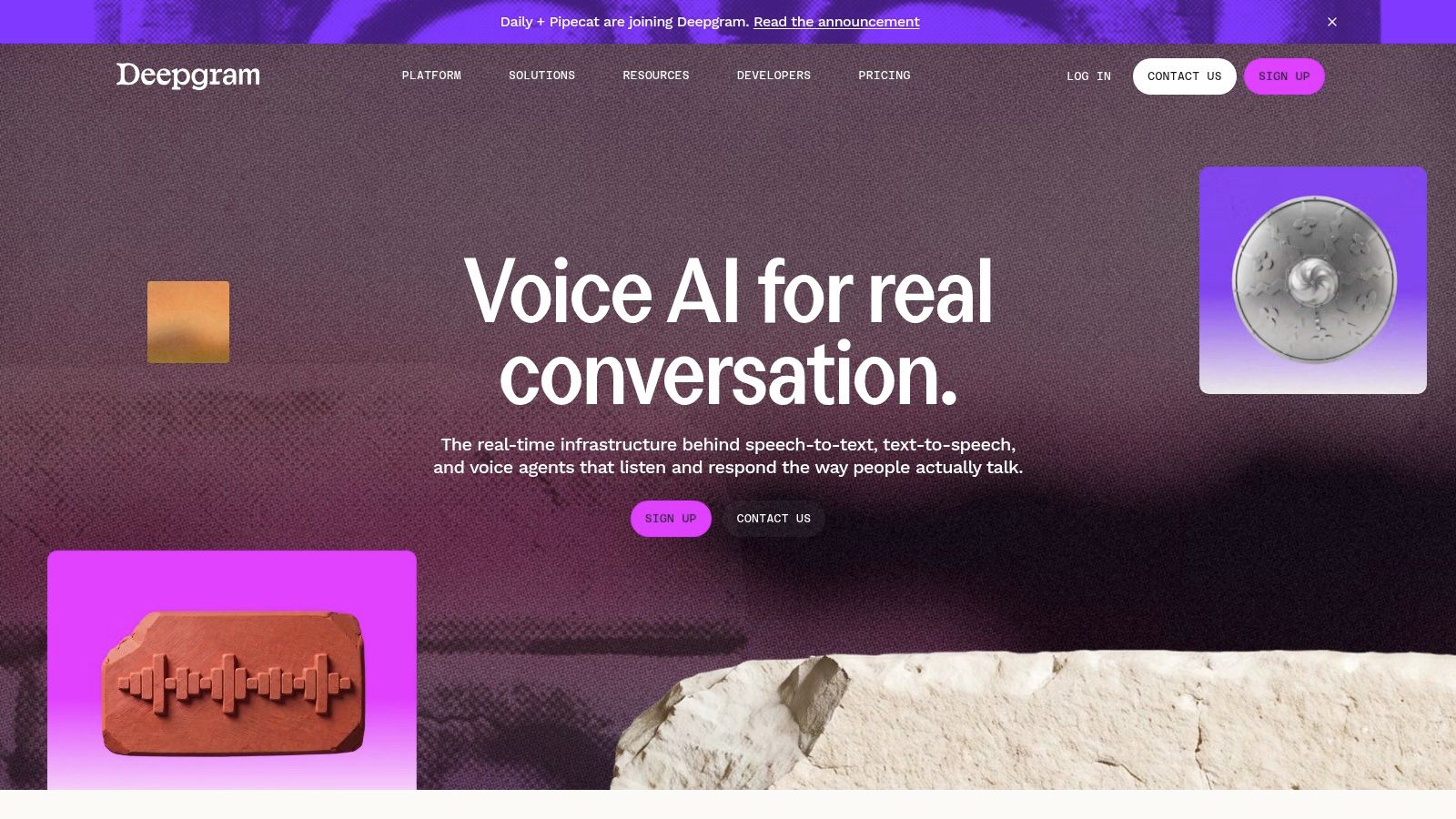
Nova-3 monolingual lists at $0.0077 per minute on Deepgram's own pricing page, and Flux STT English lists at the same rate. At 10,000 minutes that is $77.00. Live audio and batch audio bill at the same number, which is rare enough to matter when you price a voice agent by the minute.
What Deepgram leaves unpublished is accuracy on your audio, and every other seller on this list leaves the same gap. A 2016 benchmark put a recognition system at human parity on NIST's 2000 conversational telephone task, and the paper on reaching human parity found the harder CallHome slice produced roughly double the human error rate of the Switchboard slice. Same task, same human transcribers, different audio condition. That spread is why a vendor's headline number tells you little about your recordings.
- Add-ons move the bill: redaction, keyterm prompting and entity detection sit outside the base rate, and diarization joins the extras once a second speaker enters the audio.
- Configuration is the work: Nova-3 monolingual, Nova-3 multilingual and Flux are separate products on the same key, and picking the wrong one is a self-inflicted error rate.
Practical rule: if you're building a voice agent, budget the add-ons before the minutes, because diarization and entity detection are where the base rate stops being the bill.
For the conversational stack around the API, the best AI voice agent platforms comparison covers the pieces that sit beside transcription on both sides.
2. AssemblyAI for Output Beyond the Transcript
The call. Choose AssemblyAI when the transcript is an input to analysis, not the deliverable. AssemblyAI sells prerecorded, realtime streaming and short synchronous requests, with speaker diarization, word-level timestamps, sentiment and summarization available alongside.
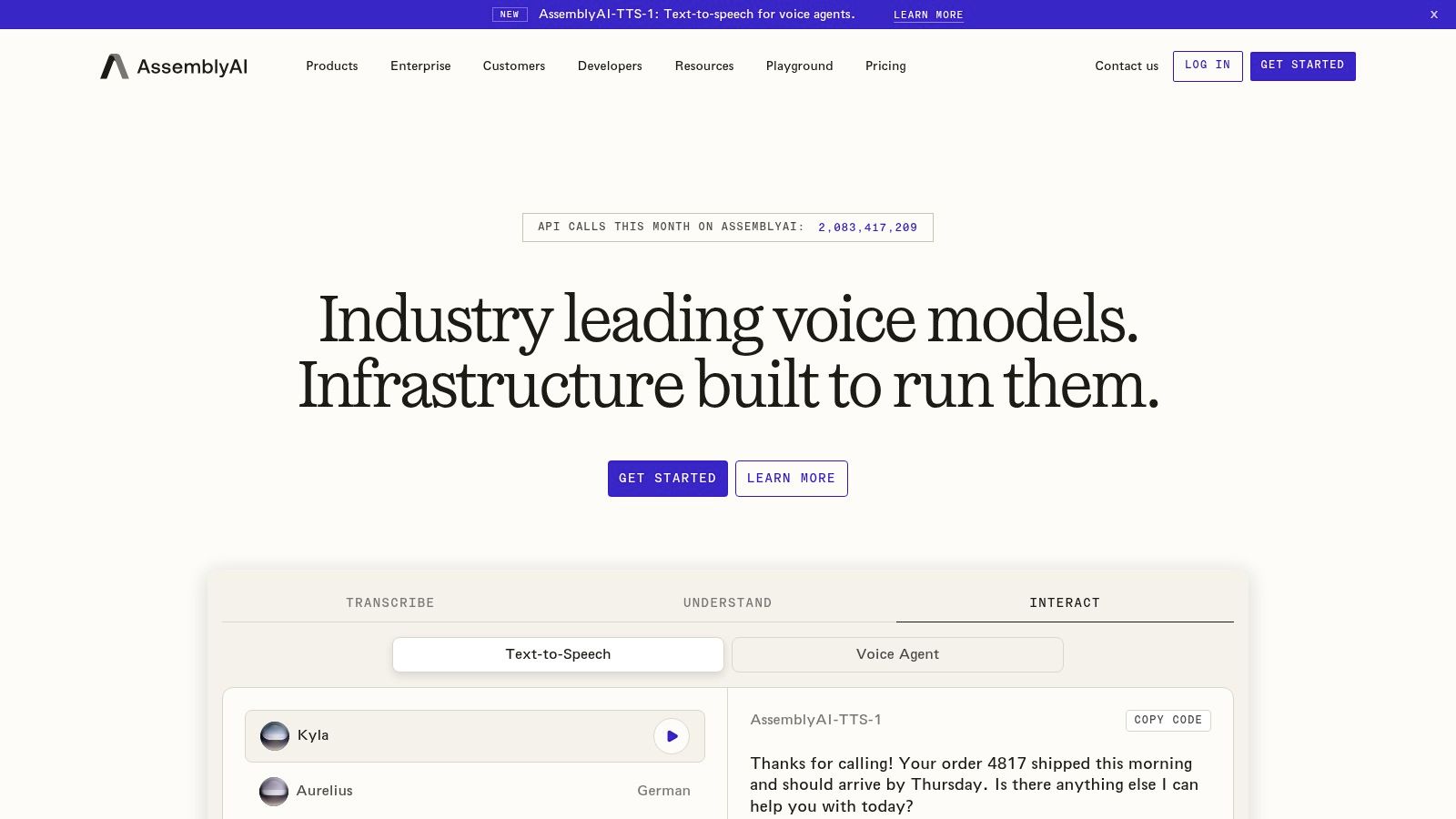
Published list prices are $0.15 per hour for Universal-2 and $0.21 per hour for Universal-3.5 Pro. At 10,000 minutes that is about $25.00 and $35.00. Language coverage is not one number: Universal-2 supports 99 languages and Universal-3.5 Pro supports 18, so the lower hourly rate doesn't always come with the wider language list.
A peer-reviewed 2020 comparison of IBM Watson, Google and Wit names word error rate as the standard ASR metric, measured between the recognized word sequence and a reference transcript (Benchmarking of IBM, Google and Wit Automatic Speech Recognition Systems). It also scores substitution, deletion and insertion errors separately, which is the part buyers skip. Two APIs can post the same headline WER and hand your team different amounts of cleanup.
What AssemblyAI leaves unpublished is accuracy by accent and recording condition, and any latency figure that maps to your region. Some capabilities are paid add-ons, and the feature list is heavier than plain transcription requires, which is a cost if you only wanted text.
3. Speechmatics for Code-Switching Audio
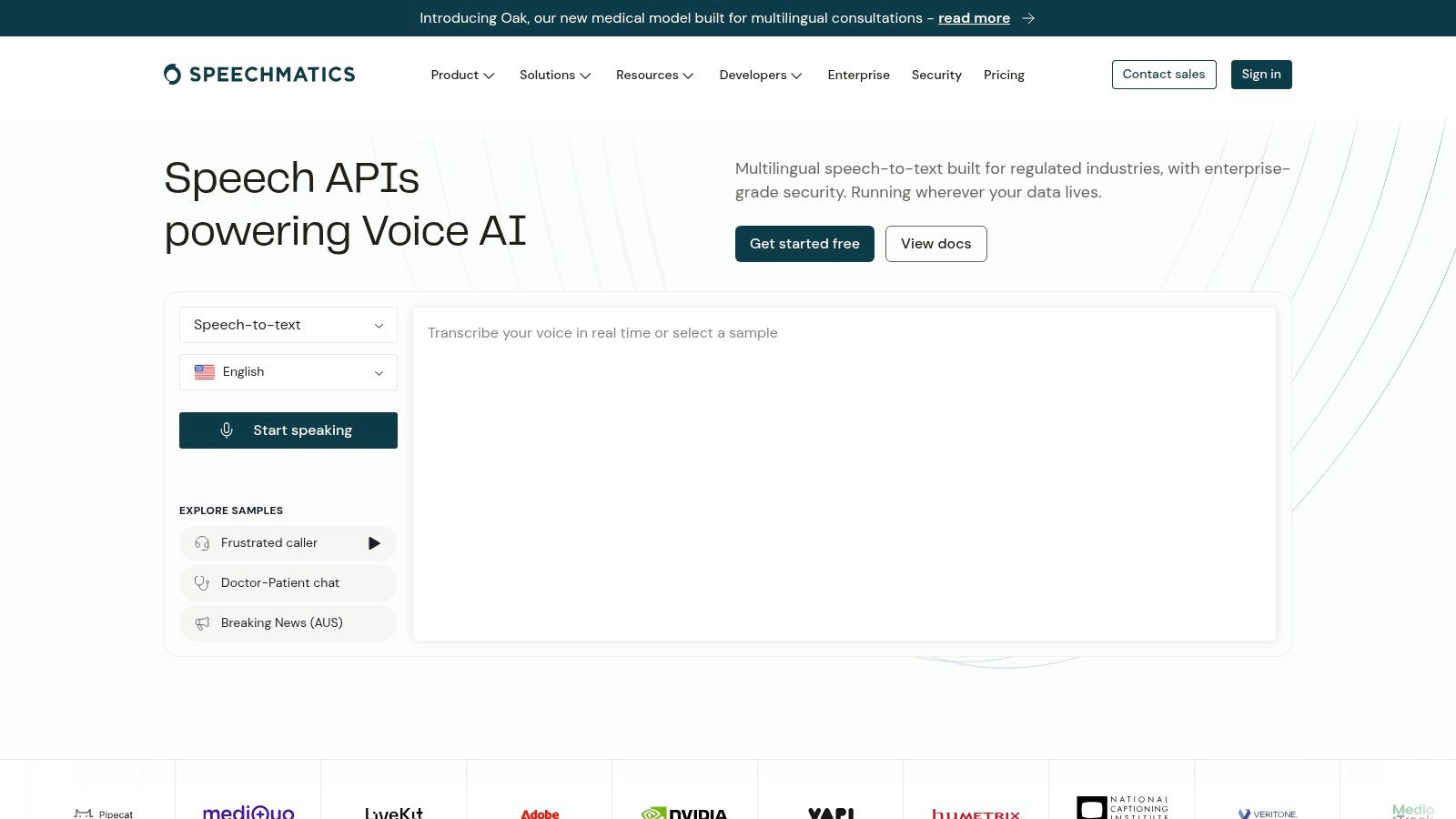
The call. Pick Speechmatics when a sentence can start in one language and finish in another. Speechmatics runs prerecorded and real-time transcription, and its Melia 1 model is described as supporting 56 languages without choosing one up front. The Enhanced model adds custom dictionaries, and Oak 1 Medical covers clinical terminology.
The language count is the whole argument, and it deserves a hard look before you buy it. The ML-SUPERB 2.0 evaluation covers 149 languages and 93 language varieties, and its strongest submission reduced character error rate by 30.2% on accented and dialectal data against the prior baseline, which shows how badly standard-speech results predict real-world variety (ML-SUPERB 2.0 multilingual benchmark). A separate study of isiXhosa reported character error rates from 26% to 70%.
Speechmatics publishes $100 in starting credits with no card required, which pays for the test you should run first. Add-on prices for some functions come on request rather than on the page, so a comparable 10,000-minute figure can't be calculated from a listed rate the way it can for Deepgram or Groq.
Test the exact language mix you expect, not a clean sample in the dominant language. The language that fails in production is the one nobody recorded.
Enhanced and specialized models cost more than the entry option, and performance on your language mix and channel quality is the one attribute the seller cannot publish for you.
4. OpenAI Audio API for Teams Already on the OpenAI Stack
The call. Pick OpenAI when your application already uses its API and you want transcription in the same account. The OpenAI Audio API covers recorded files and live audio, with prompt, keyword and language hints to steer recognition of names and domain terms.
The two routes solve different jobs. File transcription fits asynchronous work where output structure matters. Live transcription handles immediate speech input. API access is usage-based and billed separately from ChatGPT subscriptions, so a 10,000-minute forecast should separate recorded and live traffic rather than use one blended estimate.
Structure is the main limitation. The live model does not return word-level timestamps or speaker labels, so captions and diarized call reviews belong on the file endpoint. File limits and accepted formats vary by endpoint and model. A pipeline that works on one route can fail on the other.
Migration is the other cost. Older transcription models are marked deprecated in OpenAI's documentation, with shutdown dates published there. Check those dates before hard-coding a model name or building a product roadmap around it.
- Recorded files: use file transcription for batch jobs and output that needs timing or speaker-level detail.
- Live audio: use live transcription for immediate input, and cost it separately from recorded traffic.
5. Google Cloud Speech-to-Text for Batch Work Already on Google Cloud
The call. Pick Google Cloud when your audio and your storage already sit in Google Cloud and the transcript can wait. Standard recognition on the v2 API is $0.016 per audio minute for the first 500,000 minutes in a monthly billing account, dropping to $0.010 from 500,000 to 1 million, $0.008 to 2 million and $0.004 above 2 million (Google Cloud Speech-to-Text pricing). Dynamic batch recognition is listed at $0.003 per minute.
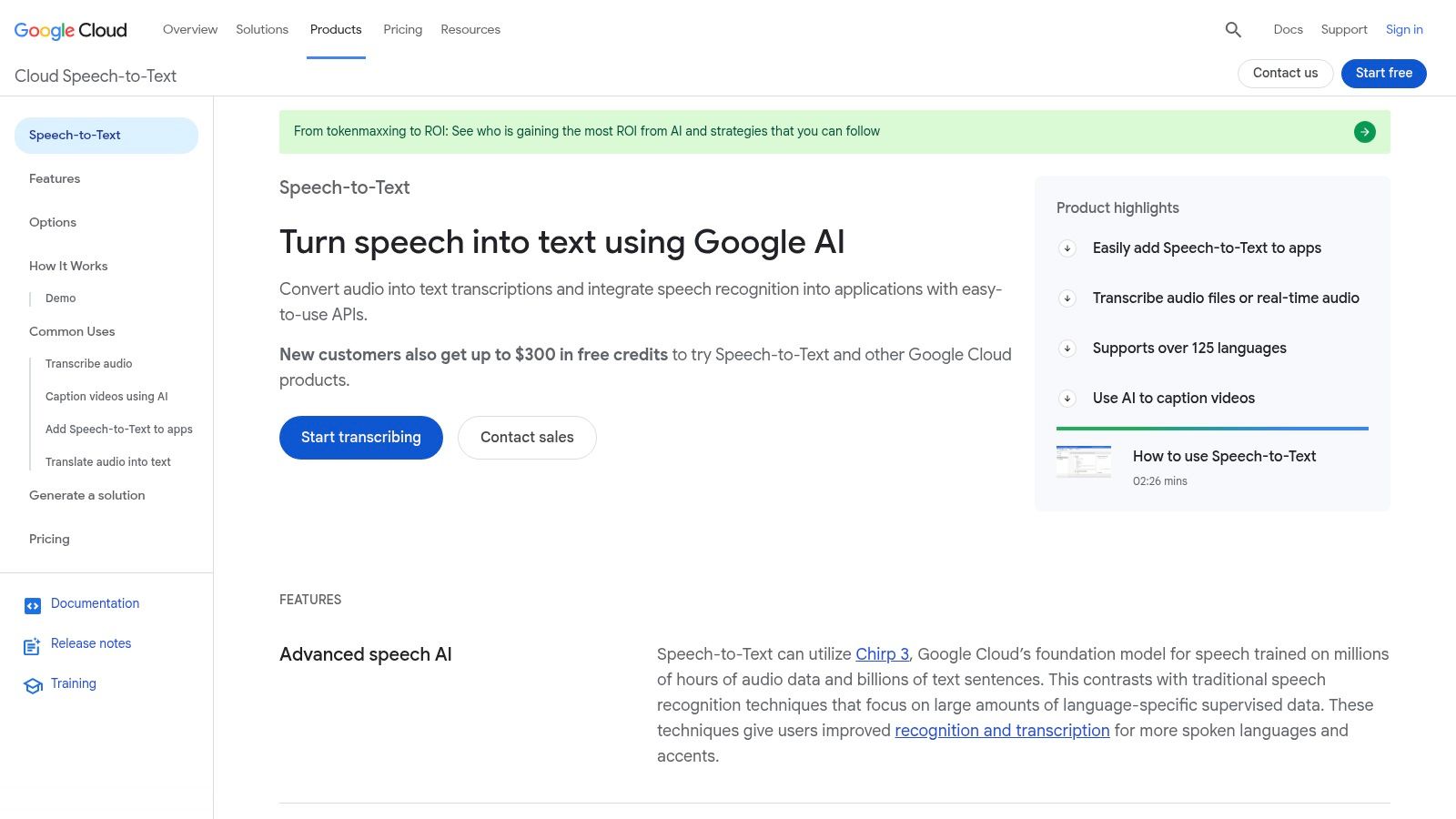
At 10,000 minutes, standard recognition is $160.00 and dynamic batch is $30.00. That gap is the whole decision for podcast archives, meeting recordings and media libraries. Google states billing is based on audio successfully processed, measured in one second increments, and that server-error requests aren't charged.
Privacy differs by request mode, and Google is specific about it. Streaming and synchronous requests are processed in memory and don't store customer data, while asynchronous requests retain the transcript for about five days so it can be retrieved. Google also states input audio isn't stored by the service and content isn't used beyond service delivery unless you opt into data logging (Google Cloud data usage FAQ). Those are named service behaviours, not a general promise.
The trade-off is the bill around the bill. Multiple channels are billed on their combined duration, and storage or compute in the same workflow adds charges. What Google leaves unpublished is accuracy on your audio; the per-second accounting is documented, the WER isn't.
6. Amazon Transcribe for AWS Shops With Contact Center Audio
The call. Pick Amazon Transcribe when your data, permissions and billing already live in AWS. Amazon Transcribe runs batch and streaming recognition, with custom vocabularies, speaker diarization, vocabulary filtering and language identification inside standard pricing. Content redaction is optional and priced separately.
Billing runs in one-second increments with no minimum duration stated on the pricing page, and eligible new users get 60 free minutes per month for 12 months. Rates vary by AWS Region and usage tier, so no single 10,000-minute figure holds, and that missing number is the main obstacle to comparing it with the others.
Accuracy on hard audio is where the caution belongs. A 2024 JAMIA Open evaluation reported an average word error rate of 59% for AWS General Transcribe, with a 39% median and a range from 12% to 95%, while AWS Medical averaged 62% with a 47% median and an 11% to 99% range (Decoding disparities, JAMIA Open 2024). A median far below the mean tells you a minority of files fail badly.
Averages hide the tail. Ask what share of your files land in the worst 10%, because that share decides how much human review you staff.
Setup costs are real too. An AWS account, IAM permissions and service configuration are part of the work, and optional features add charges that don't show in the headline rate.
7. ElevenLabs Scribe for Many Languages and Speakers
The call. Pick ElevenLabs Scribe when broad language coverage and speaker labels matter more than a published accuracy figure. ElevenLabs sells batch and realtime transcription, with more than 90 languages according to the provider, speaker diarization, word-level timestamps and a medical model.
List prices are $0.22 per hour for Scribe v2 and $0.39 per hour for Scribe v2 Realtime. At 10,000 minutes that is about $36.67 for batch and $65.00 for realtime. Batch sits near the bottom of the field, while realtime lands mid-pack.
The unpublished pieces are accuracy on your audio and a realtime latency target. Dysarthric speech is the clearest case: recognition research links higher error rates to greater impairment severity, so a strong clean-speech rank can still fail clinical or public-service users (dysarthric speech recognition study in Wiley). Test accents, consent language and overlapping speakers before you commit.
- Silence is billed: quiet stretches count toward audio duration.
- Extras are priced separately: keyterm prompting and transcript editing have their own rates.
- HIPAA needs an agreement: clinical use requires enterprise arrangements including a BAA and zero-retention configuration.
For the other half of a voice product, the best text to speech APIs comparison covers synthesis at the same level of detail.
8. Rev AI for Automated Output With a Human Fallback
The call. Pick Rev AI when you want an automated API and a human transcript service under one vendor relationship. Rev AI sells Reverb and Whisper-based automated transcription, and the same account can escalate a file to professional human transcription when machine output isn't good enough.
Rev AI's published pricing lists $0.20 per hour for Reverb English, $0.30 per hour for multilingual Reverb and $0.005 per minute for Whisper Large, with five hours of free API credit for new accounts. At 10,000 minutes that works out to about $33.33, $50.00 and $50.00 respectively. The same page bills to the nearest second with a 15-second minimum per request: trivial at volume, noticeable across thousands of short clips.
Rev also publishes its own cross-vendor test. Its 2024 State of ASR report evaluated more than 13 hours of audio across nine recognition providers, including AWS, Google, Microsoft, OpenAI and Speechmatics (Rev State of ASR report). Treat it as a vendor-run benchmark with everything that implies, and read the methodology before the rankings.
What Rev leaves unpublished is accuracy on your audio, same as the rest of this list, plus per-language coverage of the multilingual tier beyond the general claim. Reverb English handles English only. Multilingual work moves to a different model at a rate 50% higher, so mixed-language pipelines pay more per hour from the first minute.
Human transcription costs several times the automated rate. Budget it as an escalation path for the small share of files that matter, not as a default.
For batch pipelines where a transcript is the end product, the best AI transcription software comparison goes deeper on the workflow layer around the API.
9. Groq for the Lowest Published Rate
The call. Pick Groq when the budget decides and the audio is straightforward. Groq serves an OpenAI-compatible transcription endpoint running Whisper Large v3 and Whisper Large v3 Turbo, with prompt input and timestamp-capable output formats.
List prices are $0.04 per hour for Large v3 Turbo and $0.111 per hour for Large v3. At 10,000 minutes that is about $6.67 and $18.50, the cheapest two figures in this comparison by a wide margin, and roughly a quarter of the AssemblyAI hourly rate.
A low rate is not a defect. Speech model performance varies by accent, language and domain, and low-resource languages degrade as training coverage falls, so the model that handles clean US English well can stumble on accented or noisy audio. Groq publishes no accuracy figure of its own, and neither per-accent error rates nor endpointing behaviour on noisy calls is documented in a form you can compare. What it publishes is a rate low enough to run the test yourself.
The trade-off sits between the two models:
- Turbo doesn't translate: translation to English is a Large v3 feature only.
- Request limits apply: size caps depend on account tier and model.
- Provider claims need your audio: published performance isn't a promise about your recordings.
Pick Turbo for cheap transcription, Large v3 when you need translation, and budget an afternoon of testing on your own audio before committing.
10. Azure AI Speech for Microsoft-Centric Organizations
The call. Pick Azure AI Speech when your identity, billing and infrastructure already run on Microsoft. Azure AI Speech offers real-time and fast transcription, diarization, word-level timestamps, phrase lists and custom speech models trained on acoustic, language or pronunciation data, across more than 100 languages and dialects according to Microsoft.
Pricing is the weak point of the comparison. Rates depend on region, service type and configuration, and custom model hosting adds charges beyond transcription, so a single 10,000-minute figure would mislead. That missing number is the difference between a costed decision and a guess.
Accuracy rankings move with the metric, and Azure proves it. In an Arabic call-center benchmark, Google's API produced a 67.1% word error rate and Azure reached 71.88%, while on character error rate Azure scored 39.04% against Google's 40.60% (Arabic call-center ASR benchmark). Azure is second by one measure and first by another on identical audio.
If a vendor quotes a single accuracy number, ask which metric produced it. Ranking flips between WER and CER are normal, not rare.
The customization is the reason to stay. Custom models, phrase lists and container deployment across cloud and edge suit regulated Microsoft shops. The trade-off is that the option list makes setup less direct than a single-endpoint API, and every option you enable changes the price you'll pay.
Published prices, language coverage and real-time support across 10 speech to text APIs
| Item | Published price (seller list) | Language coverage (seller-stated) | Real-time option |
|---|---|---|---|
| Deepgram | Nova-3 monolingual: $0.0077/min; Flux English: $0.0077/min | Nova-3 monolingual and multilingual; no count stated | Yes, streaming and Flux |
| AssemblyAI | Universal-2: $0.15/hour; Universal-3.5 Pro: $0.21/hour | Universal-2: 99 languages; Universal-3.5 Pro: 18 | Yes, realtime streaming |
| Speechmatics | Not stated | Melia 1: 56 languages | Yes |
| OpenAI Audio API | gpt-transcribe: $0.0045/min; gpt-live-transcribe: $0.017/min | Not specified | Yes, live transcription |
| Google Cloud Speech-to-Text | Standard: $0.016/min; dynamic batch: $0.003/min | Not specified | Not stated |
| Amazon Transcribe | Region- and usage-tier-dependent; exact rate not stated | Not specified | Yes, streaming |
| ElevenLabs Scribe | Scribe v2: $0.22/hour; Scribe v2 Realtime: $0.39/hour | More than 90 languages | Yes, realtime model |
| Rev AI | Reverb English: $0.20/hour; multilingual Reverb: $0.30/hour; Whisper Large: $0.005/min | Reverb English is English-only; multilingual Reverb and Whisper options available | Not stated |
| Groq | Whisper Large v3: $0.111/hour; Large v3 Turbo: $0.04/hour | Multilingual; Large v3 also translates to English | Not stated |
| Azure AI Speech | Region-, service-, and configuration-dependent; exact rate not stated | More than 100 languages and dialects | Yes |
Choosing the Right Speech to Text API for Your Build
Match the API to the job before you compare prices. For a live voice product, shortlist Deepgram and AssemblyAI, then confirm the streaming latency you need on your own network rather than in a vendor table. For multilingual calls where speakers switch languages mid-sentence, shortlist Speechmatics and check its language list against the actual mix in your recordings. For recorded files on a budget, compare Groq, OpenAI and Rev AI at the list prices above, and add Google Cloud or Amazon Transcribe only if your audio and storage already sit in that cloud. For clinical audio, check the ElevenLabs medical model and the compliance terms before any pilot starts.
Before you sign, do three things. Pull the price from the seller's own page and write down the date you checked it, because per-minute rates change and a quote from last quarter is a guess. Run a sample of your real audio through each shortlisted API and score the word errors yourself, since no seller here publishes a shared accuracy figure. Then add the costs that sit outside the transcription rate, such as add-ons, storage, speaker labels and billed silence, into the monthly estimate.
The order matters. A pilot on 30 to 60 minutes of your own recordings costs almost nothing on the free credits and trial allowances listed here, and it replaces every vendor claim with a number about your audio. Teams that skip it end up choosing on a rate card and discovering the error rate in production, which is the expensive direction.
DBotMaker rates each product on capabilities at 40%, ease of setup at 30% and value at 30%, and every price on this page is copied from the seller's own pricing page. The shortlist is the work that remains yours. Start with two or three APIs, run them on your own recordings this week, pull the live price on the day you decide, and send any price change you find to editorial@dbotmaker.io so the next reader prices the decision correctly.
Spotted an error in this guide? Email editorial@dbotmaker.io