Operator manual · General
Best Accounting Software 2026: 10 Ranked by Business Size
In short
Best accounting software for 2026, ranked by business size, features, ease of use and published pricing, with each price checked on the maker's site.
DBotMaker research desk · Updated November 21, 2026 · 16 min read
The most widely used ledger is not always the easiest one to run. In a 2025 survey of Australian accountants and bookkeepers, general-ledger and ERP software reached 96% adoption, while satisfaction with the overall user experience topped out at 53%, according to Agile Market Intelligence. Treat that gap as the point: fit matters more than installed base.
QuickBooks Online is the default pick for small businesses that need general-purpose accounting, especially when their accountant already uses it. Freelancers and sole traders with straightforward invoicing and expenses should start with Wave. Project-based service firms should compare FreshBooks with QuickBooks Online before committing, while growing teams that need shared books with an adviser should shortlist Xero.
When the job turns to inventory, job costing or multiple company files, the stronger candidates are Sage 50 and QuickBooks Desktop Enterprise. Operations-led companies that need accounting connected to purchasing, sales and stock should choose between Microsoft Dynamics 365 Business Central and Odoo Accounting.
Match the Platform to the Work
DBotMaker's research desk scores every product on one formula: capabilities 40%, ease of setup 30% and value 30%. These recommendations rest on documented capabilities and published plan information, not hands-on testing.
Pricing discipline matters. Compare each seller's current page for plan structure, paid extras such as payroll, payments and connected apps, user limits, contract length and the regular price after any introductory offer. Treat enterprise pricing as pending until sales names a number.
The best accounting software is the platform that handles the business's actual work without forcing an unnecessary upgrade or an avoidable implementation project.
Table of Contents
- Match the Platform to the Work
- 1. QuickBooks Online
- 2. Xero
- 3. Zoho Books
- 4. FreshBooks
- 5. Wave
- 6. Sage 50
- 7. Patriot Accounting
- 8. QuickBooks Desktop Enterprise
- 9. Microsoft Dynamics 365 Business Central
- 10. Odoo Accounting
- How the 10 accounting platforms compare on best fit, pricing notes and main limits
- Shortlist Two, Then Check the Full Bill
1. QuickBooks Online
Best for small businesses that need a general-purpose accounting platform and an accountant-friendly workflow. QuickBooks Online is the strongest starting point when the owner needs invoicing, expense tracking, bank transaction tools and financial reports in one cloud system.
Its advantage is breadth. A business can begin with everyday bookkeeping, then move into bill management, budgeting, forecasting and additional users as its requirements change. The surrounding accountant and app ecosystem also matters when the business needs help cleaning up records or connecting another system.
Choose the Plan, Not Just the Brand
A small consultancy should identify its reporting and access requirements before subscribing. The owner might need basic invoices and expenses, while the bookkeeper needs reconciliation access and the operations manager needs management reports. Those requirements determine the appropriate tier.
- Strongest reason to choose it: Broad coverage of routine small-business accounting, with a familiar workflow for many advisers.
- Main limitation: Features and user allowances vary by plan, and a simple sole trader may pay for capabilities that aren't needed.
- Pricing note: Compare the regular subscription with the introductory offer, then include payroll, payment processing and connected apps.
Receipt capture deserves a separate decision. The best receipt scanner apps comparison helps businesses evaluate whether built-in capture is sufficient or a dedicated document tool would fit better.
The call: Choose QuickBooks Online when the business needs a dependable accounting hub rather than the cheapest invoice generator. An accountant's existing familiarity strengthens that choice, but it doesn't remove the need to check the selected plan's limits.
2. Xero
Xero is the pick for growing teams that want the owner, employees and external adviser working from shared books. Xero combines bank reconciliation and financial reporting with a plan structure that doesn't charge per-user licence fees on the listed plans.
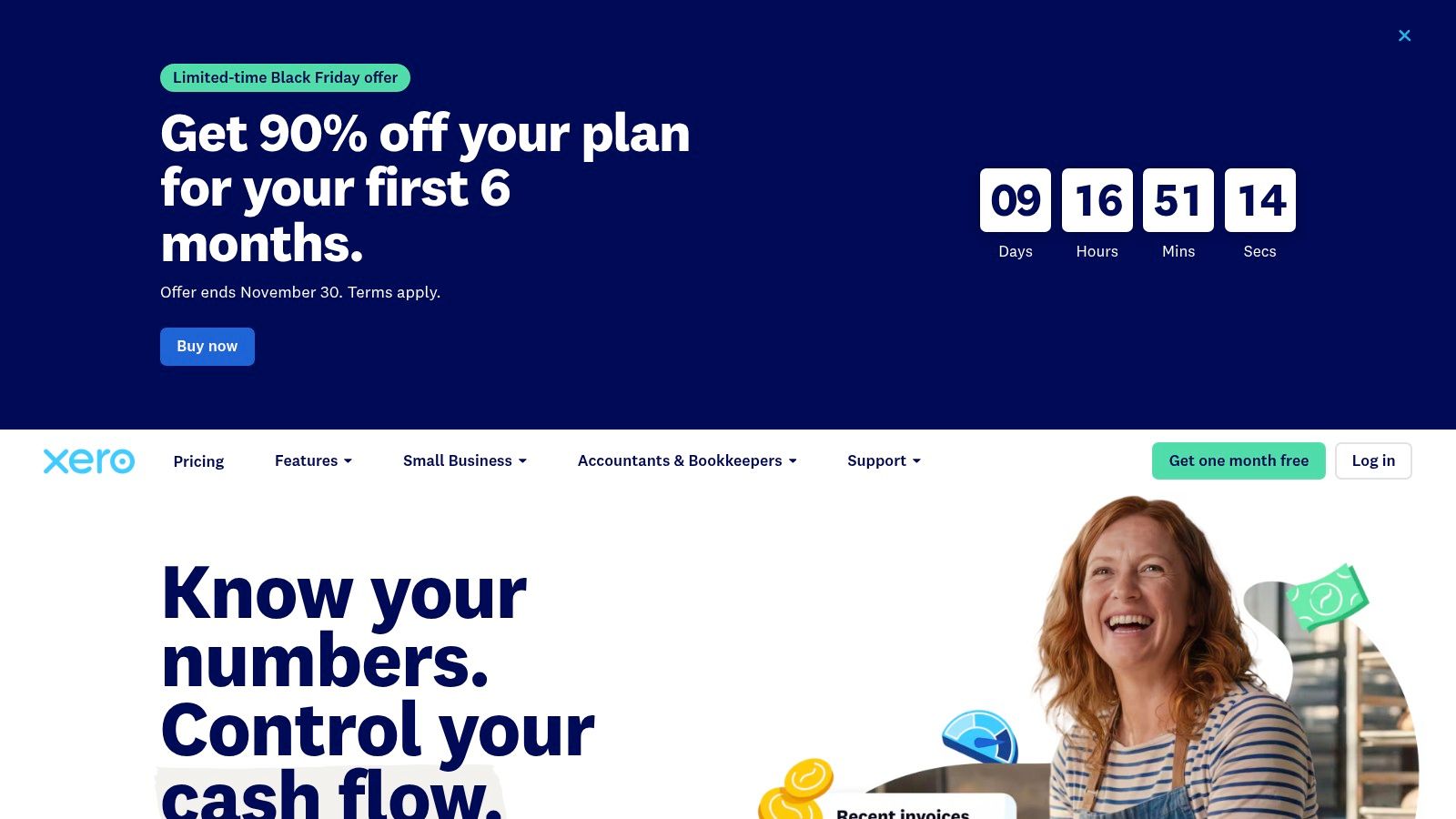
That makes it particularly relevant when collaboration matters more than keeping access restricted to the owner. Higher tiers add forecasting, dashboards and broader management tools, while the Established plan includes multi-currency and project-related capabilities.
Collaboration Without Ignoring Transaction Limits
The entry plan's invoice and bill limits are the first buying constraint. A business with frequent customer billing shouldn't choose the lowest tier just because its team is small.
A useful evaluation follows the entire reconciliation workflow: import transactions, match payments, investigate an exception and give the adviser access to resolve it. The team should also confirm that permissions match each person's responsibilities.
Unlimited access isn't a reason to give every employee permission to change the books.
The trade-off: Xero's collaboration model is attractive, but payroll and other requirements can introduce optional services or add-ons. Multi-currency and project features also require the appropriate plan rather than coming automatically with the brand.
Pricing note: No current seller-checked amount is quoted here. Compare the regular local plan price, any temporary promotion and the cost of the surrounding services.
The call: Choose Xero over a more restricted entry-level package when several people need a shared accounting workflow. Choose the tier around transaction volume and reporting needs, not headcount alone.
3. Zoho Books
Choose Zoho Books for a small business already using Zoho applications or planning connected administrative workflows. Zoho Books combines core accounting with access to a broader business-software environment.
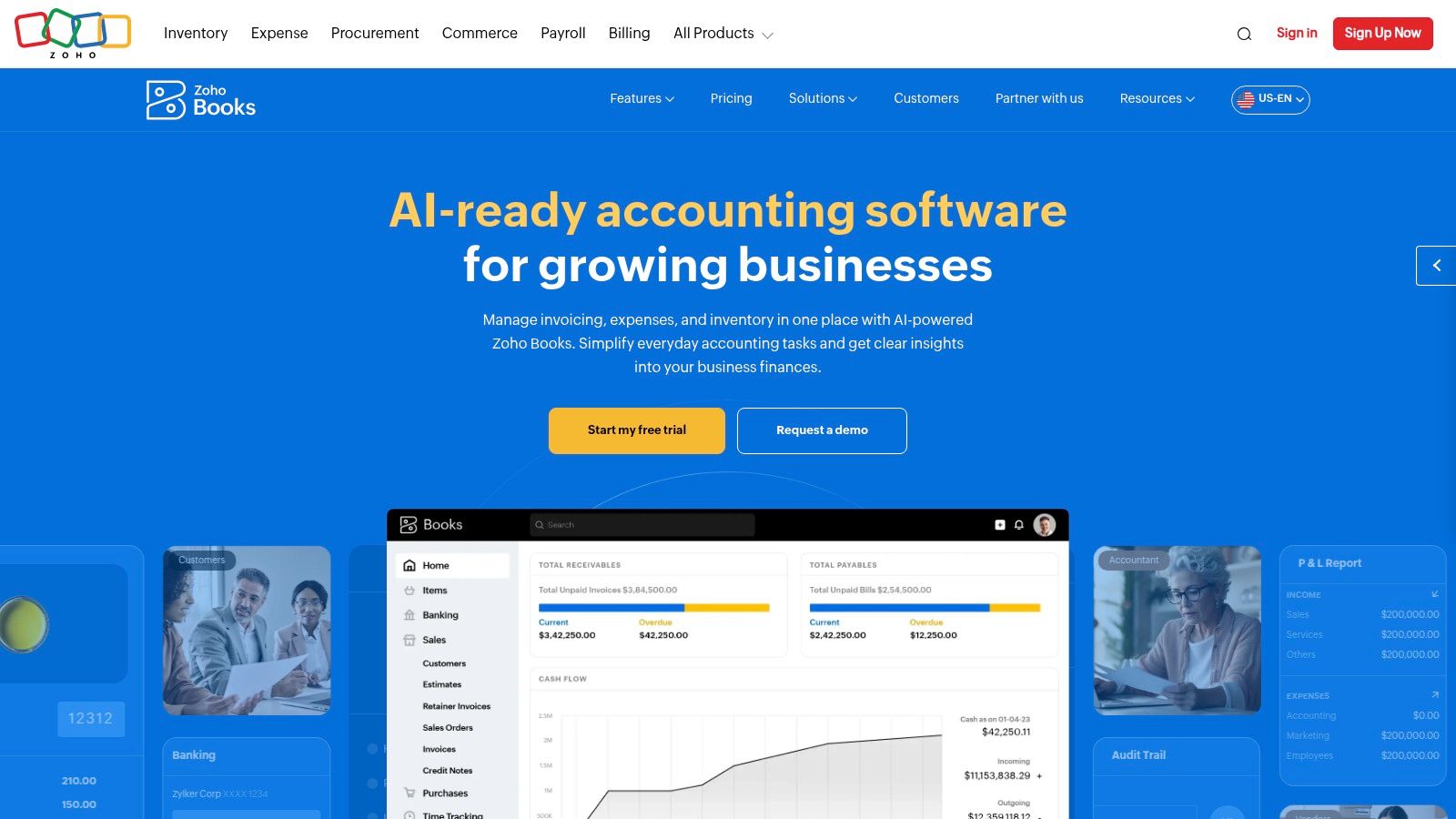
Its free plan covers eligible small operations with invoicing, expenses, bank reconciliation and financial reports. Paid tiers add capabilities such as bank feeds, purchase orders, inventory, custom reports and workflow configuration. Advanced analytics and more demanding inventory requirements belong in the higher-tier comparison.
Best When the Connections Have a Purpose
Say a consultancy already manages customers in Zoho and wants approved sales information passed into accounting. Zoho Books deserves the shortlist because the business can evaluate a connected workflow rather than assemble unrelated products.
That advantage depends on configuration. Customer records, tax treatment, account mappings and approval responsibilities still need clear owners.
- Best fit: A small team that expects to use Zoho beyond bookkeeping.
- Limitation: User and feature restrictions vary by tier, while broader configuration requires more setup than basic invoicing.
- Pricing note: Free-plan eligibility and paid-tier requirements need checking on the seller's local offering; no unverified amount is quoted here.
The workflow automation examples guide can help teams identify useful connections before they buy automation features. Invoice approval and payment follow-up are better starting points than automating every accounting action.
The call: Pick Zoho Books for connected business administration. Businesses that only need invoices and expense records should compare its setup effort against Wave before committing.
4. FreshBooks
FreshBooks is the pick for freelancers and service firms whose main accounting job is turning client work into paid invoices. FreshBooks puts estimates, invoices, expenses and project-related billing at the centre of its offering.
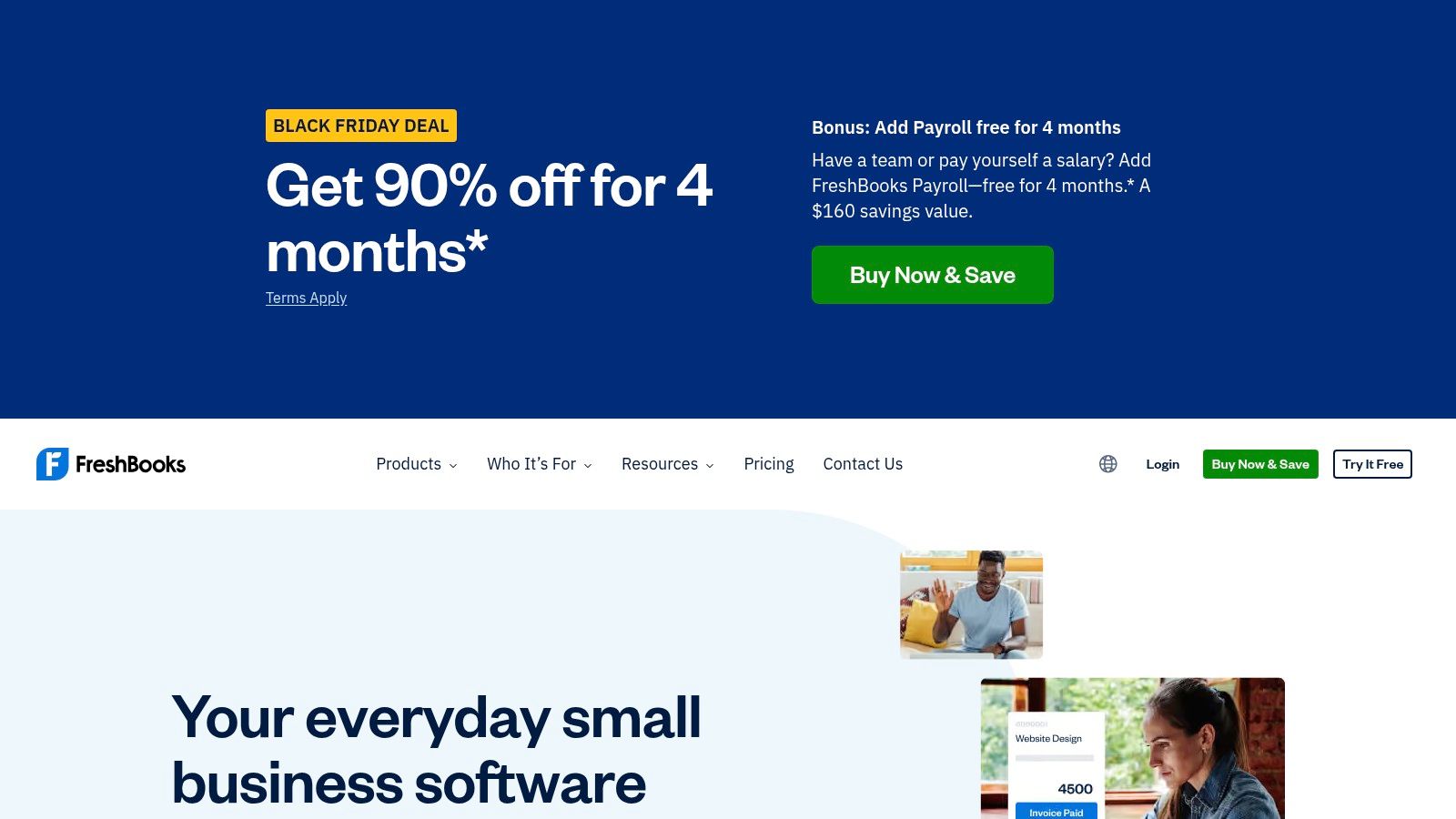
A design studio, consultant or small agency should compare the complete client workflow: estimate approval, project billing, reimbursable expenses, invoice delivery and payment recording. Higher plans add proposals, retainers, receipt scanning and project profitability tools.
Count Clients Before Choosing a Tier
Client limits are more important here than the size of the business suggests. A solo professional with many active customers can need a different plan from a larger firm serving a small client roster.
Extra team-member accounts and optional services also affect the bill. Accountant access is included on certain plans, so the business should confirm how its adviser will enter and review records before subscribing.
The limitation: FreshBooks is a billing-led recommendation, not the first choice for heavy inventory, multiple company files or complicated operational controls. Businesses moving in that direction should compare a broader accounting system before building their workflow around it.
Pricing note: Compare the standard subscription, billable-client allowance, additional team members and optional payroll. A temporary discount doesn't establish the ongoing cost.
Practical rule: A service firm should test its most awkward invoice, not its simplest one.
That could mean a retainer with reimbursable expenses or a project billed in stages. Choose FreshBooks when client billing is the central problem. Choose QuickBooks Online when broader accounting requirements carry more weight.
5. Wave
Wave is the starting pick for freelancers and very small businesses with uncomplicated books. Wave lists a free Starter plan covering core bookkeeping and invoicing, so a new business can keep records before it needs a heavier accounting platform.
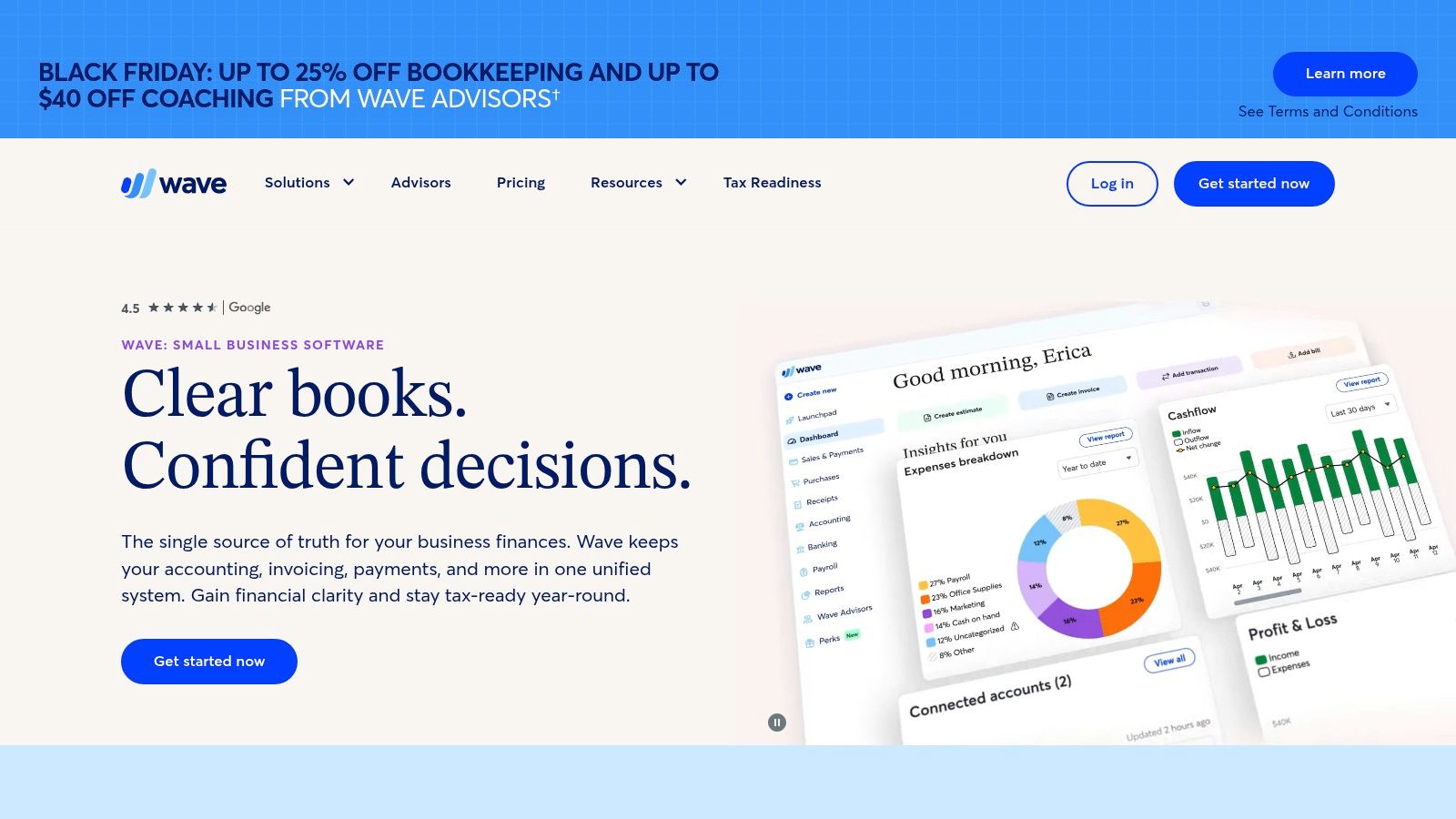
The job is narrow and clear: send invoices and estimates, record income and expenses, and keep basic books without committing to a paid subscription too early. The mobile app covers invoicing and business management away from a desk.
Free Bookkeeping Isn't Free Financial Operations
The paid Pro plan adds bank transaction imports, automatic expense categorisation and receipt tools. Upgrade when manual entry becomes a regular chore, not when a feature list looks impressive.
- Keep Starter: The records are simple and the owner can maintain them consistently.
- Evaluate Pro: Bank imports and receipt handling would remove recurring manual work.
- Budget separately: Payment acceptance, payroll and bookkeeping services can add charges beyond the accounting plan.
The limitation: Choose a broader platform for advanced inventory, multi-entity accounting or complex approval controls. Check supported financial institutions before relying on bank feeds.
The best budgeting apps comparison covers planning spending, which is a separate job from keeping business books.
Pricing note: Starter is the free entry point. The paid Pro plan and optional services such as payment acceptance, payroll and bookkeeping help increase the bill as the business adds them.
The call: Start with Wave when simplicity and subscription restraint matter most. Move when bank feeds, inventory or approvals become real constraints.
6. Sage 50
Sage 50 is the pick for an accounting-led business that needs inventory, job costing and detailed financial control. Sage 50 offers a desktop product and a cloud-connected service rather than treating browser-based invoicing as the whole accounting job.
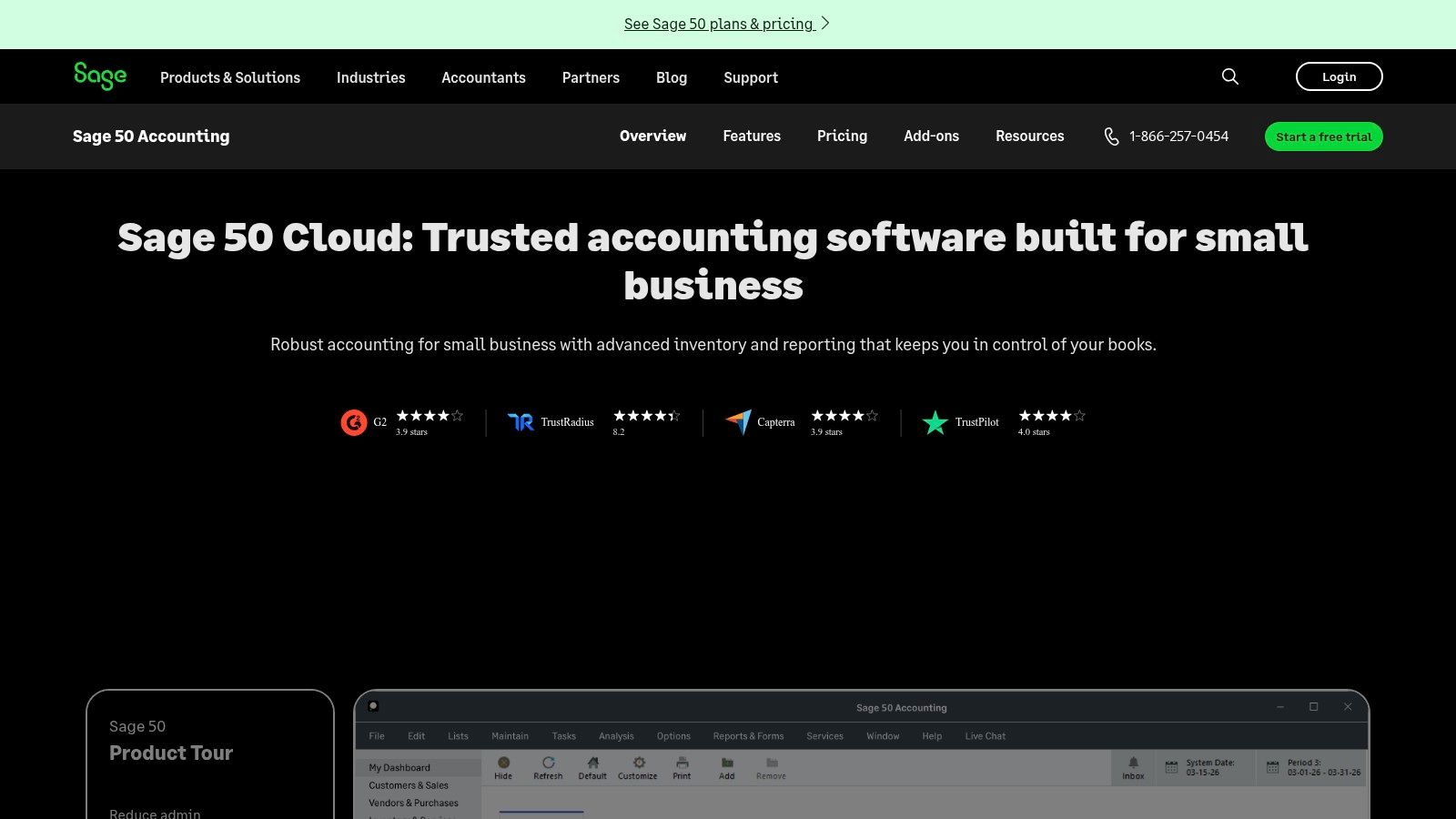
A contractor or stock-holding business should evaluate its job costing, inventory management, bank reconciliation, cash-flow tools and reporting. Premium adds advanced budgeting, multi-company capability and serialised inventory, while Quantum extends permissions and workflow capabilities.
Buy for Accounting Depth
The decision should start with difficult transactions. A contractor can follow materials and supplier bills into a job report; a distributor can trace a stock purchase through receipt, sale and inventory reporting.
Reporting correctness matters more than a polished dashboard. A peer-reviewed study published in Pacific Accounting Review found that information content and accuracy influenced perceived effectiveness and satisfaction more strongly than interface format, ease of use or timeliness.
That's a useful evaluation principle, not evidence that Sage itself produces better results. The business should reconcile reports against source transactions during its own evaluation.
The limitation: Sage 50 carries more accounting complexity and commitment than a freelancer normally needs. Locally installed software also requires decisions about access, backups and administration.
Pricing note: The listed cloud plans involve an annual commitment. Compare the full commitment, required edition, access arrangement and related services rather than treating an advertised monthly equivalent as a cancellable monthly bill.
The call: Choose Sage 50 when accounting depth justifies the administrative effort.
7. Patriot Accounting
Patriot Accounting is the focused pick for U.S. small businesses that want core bookkeeping and a connected payroll option. Patriot Accounting covers bank imports, income and expenses, account reconciliation and financial reporting without positioning itself as a broad ERP suite.
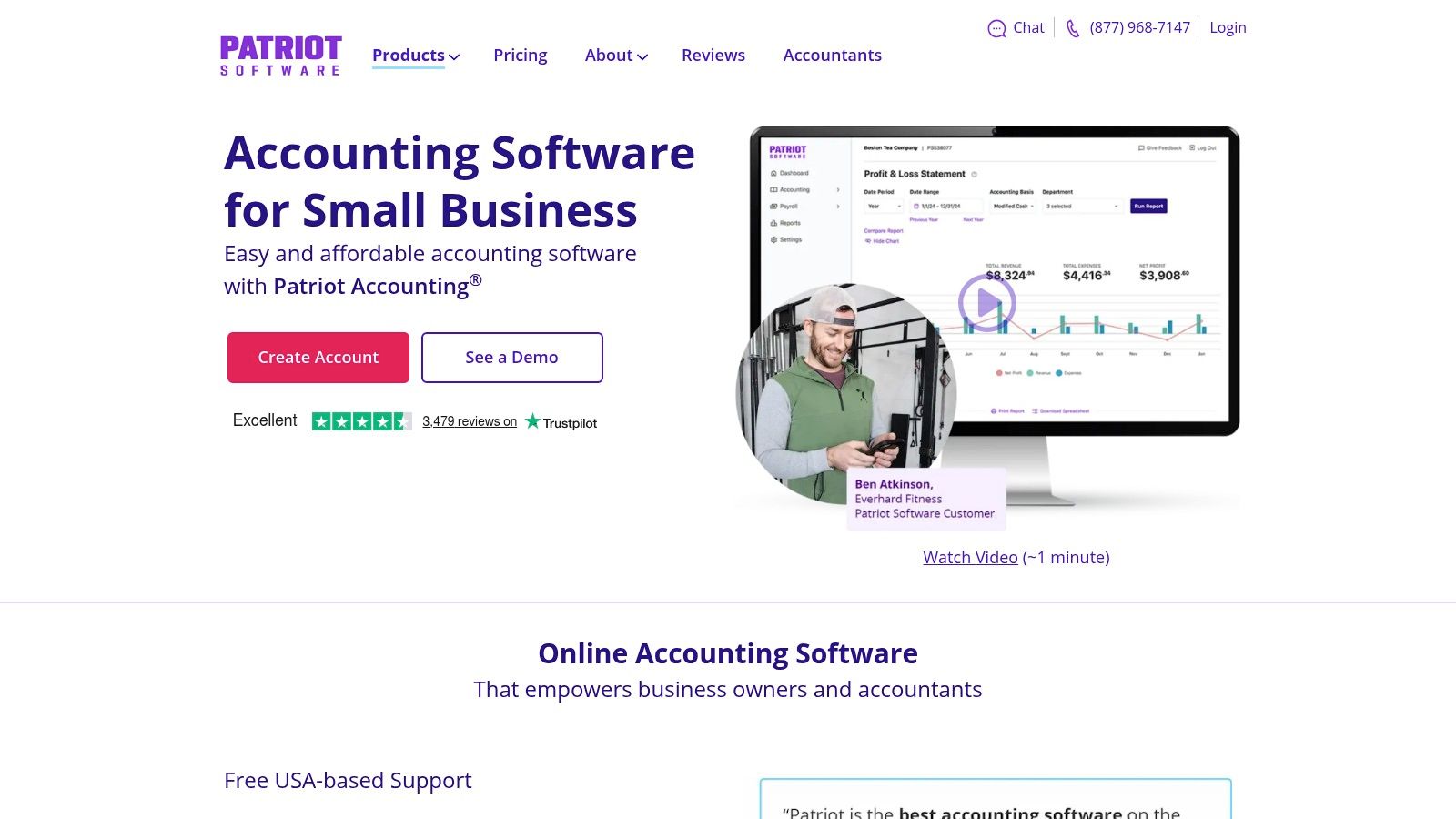
Its accounting plans allow unlimited users according to the seller's plan information. That makes it relevant to an owner who needs bookkeeping help without treating each additional participant as a separate accounting licence purchase.
A Narrower Scope Can Be the Right Scope
The practical comparison is Basic against Premium. Basic addresses core record-keeping, while Premium adds recurring invoicing, estimates and receipt-management features.
A small local service business should evaluate the actual handoff between owner, bookkeeper and payroll administrator. Payroll integration is useful only if the postings, account mappings and review responsibilities fit the business's process.
- Strength: Focused bookkeeping without requiring a broad operational platform.
- Limitation: Complex inventory, international operations and wider ERP requirements belong elsewhere on the shortlist.
- Pricing note: Accounting and payroll are distinct purchasing decisions; their combined cost matters more than either headline subscription.
Patriot's straightforward monthly plan structure makes the comparison easier, but no current seller-checked amount is quoted here. The business should identify the required invoicing and document features before deciding which accounting plan represents better value.
The call: Choose Patriot when a U.S. small business needs conventional bookkeeping and wants to evaluate accounting alongside Patriot payroll. Choose QuickBooks Online or Xero when the broader app environment and reporting expansion are stronger priorities.
8. QuickBooks Desktop Enterprise
QuickBooks Desktop Enterprise is the pick for established businesses with demanding inventory, job costing or multiple company files. QuickBooks Desktop Enterprise belongs on a different shortlist from entry-level cloud bookkeeping tools.
Higher editions offer advanced inventory, pricing and purchase-order workflows alongside extensive reporting and detailed permissions. The relevant question isn't whether the business recognises the QuickBooks name, but whether the chosen edition supports its operational accounting requirements.
Specify the Deployment Before Comparing Cost
A wholesaler should trace a purchase order through receiving, stock allocation, customer billing and reporting. A project-based business should check how labour, materials and supplier costs reach job reports.
Hosting is a separate decision from the accounting application. Businesses needing remote access must include the chosen hosting arrangement, administration and support in the comparison.
A desktop licence and a workable remote-access deployment aren't the same purchase.
The limitation: Enterprise introduces more complexity and cost than most small businesses need. Multiple company files also shouldn't be mistaken for an automatically complete consolidation workflow; reporting requirements need explicit evaluation.
Pricing note: Edition, user count, payroll, hosting and other options affect the final bill. A written configuration and subscription schedule is more useful than an isolated starting price, and cancellation terms deserve review before commitment.
The call: Choose Enterprise when its inventory and job-costing depth solves a defined problem, particularly for a team already committed to QuickBooks workflows. Choose a simpler cloud platform when shared access and ordinary bookkeeping are the main requirements.
9. Microsoft Dynamics 365 Business Central
Business Central is the pick for operations-led small and midsize companies that need finance connected to purchasing, sales and inventory. Microsoft Dynamics 365 Business Central works as an accounting-and-operations decision, so evaluate it like one.
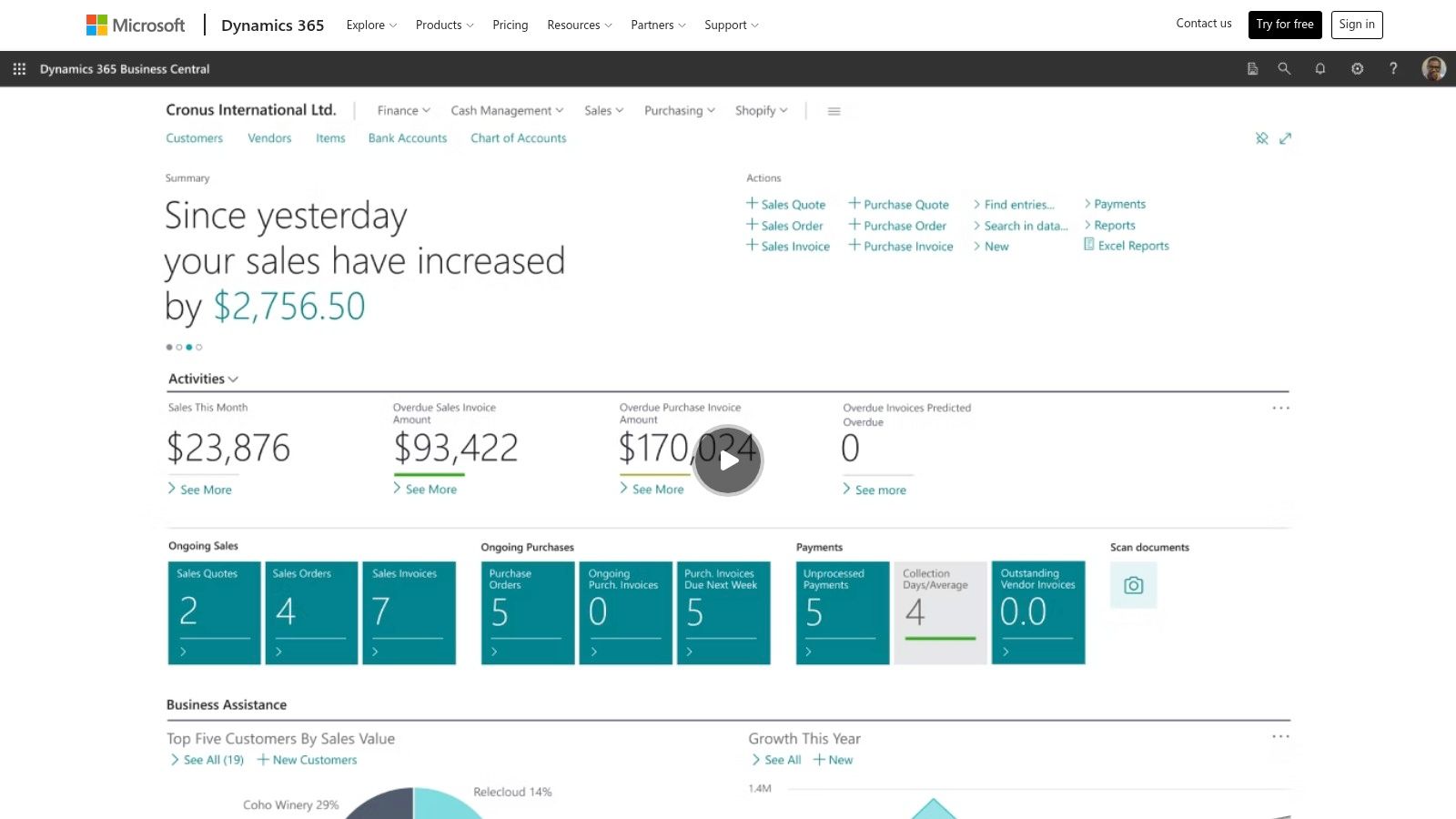
Its Essentials and Premium plans address different operational needs, with Premium adding service-management and manufacturing capabilities. Microsoft Copilot is included in the listed core plans. Companies already working inside the wider Microsoft environment should shortlist it early.
Treat Implementation as Part of the Product
Run the evaluation through one operational transaction, start to finish. A distributor should watch purchasing, receiving, selling and stock accounting happen in sequence, inside the same system. Separate demonstrations of disconnected screens prove little about fit.
Before signing, fix the implementation scope: who configures account mappings, who imports records, who assigns permissions, who trains staff. A free trial helps with orientation. It does not measure the effort a production deployment requires.
The limitation: Per-user pricing, partner implementation and additional applications can make the total materially different from a basic subscription comparison. A company needing only invoices and expense tracking should choose a smaller system.
Pricing note: Compare licences by user role, implementation services, migration, additional apps and ongoing support before judging the bill.
The call: Choose Business Central when finance needs to share a structured system with operations and the company can assign an internal implementation owner. A spreadsheet-based invoice template alone does not justify this purchase.
10. Odoo Accounting
Odoo Accounting is the pick for a business that wants accounting inside a configurable suite of operational applications. Odoo Accounting can connect financial records with sales, purchasing, inventory and other business workflows.
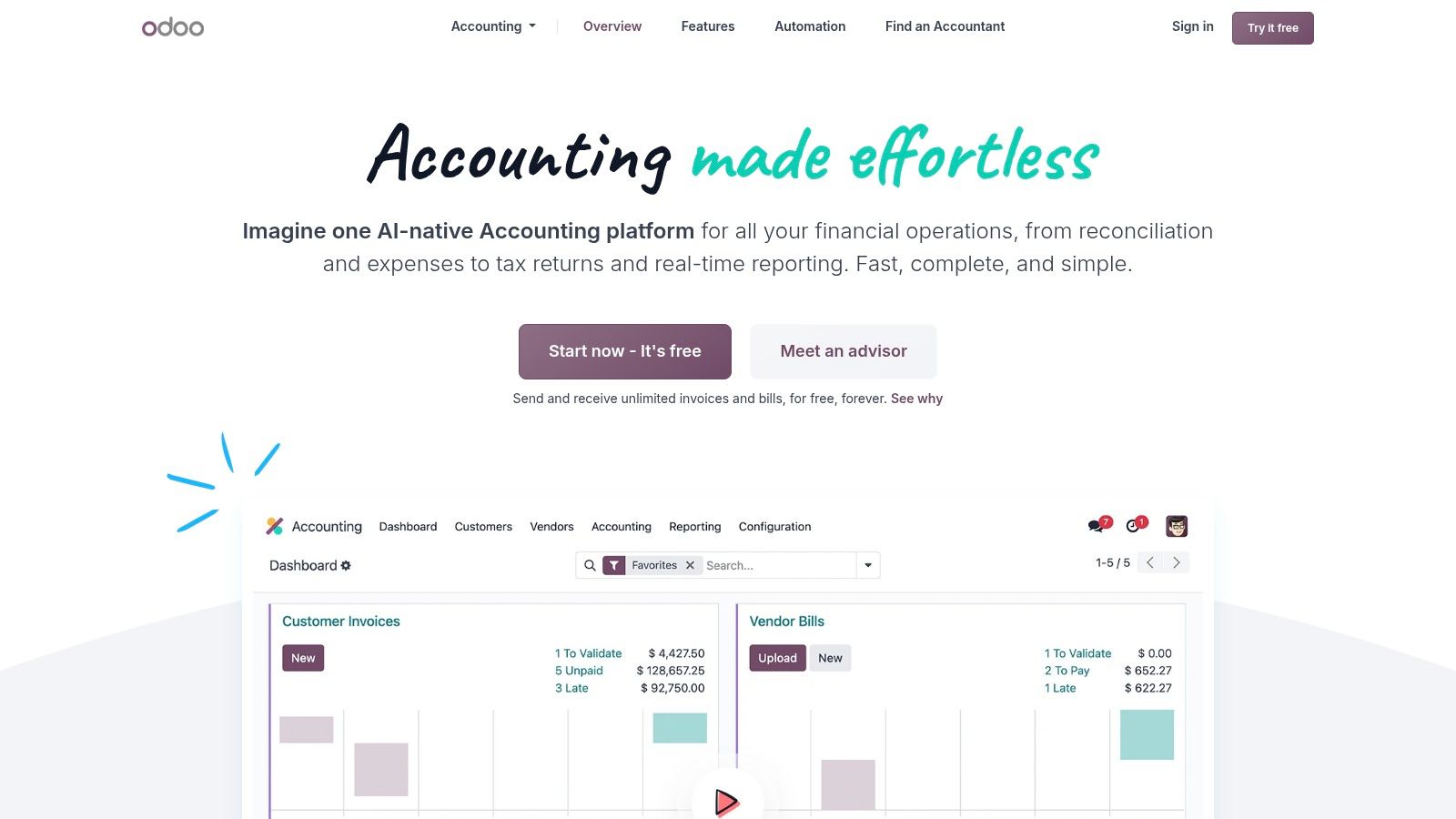
Its modular approach suits a company trying to reduce disconnected systems. The value comes from using those connections deliberately, not just from having access to a broad application catalogue.
Define the Boundaries Before Adding Modules
Say a business wants customer orders to inform stock movements and accounting entries. Odoo deserves consideration because the team can evaluate the connected process within a broader suite.
The team still needs to decide which application owns each record, who approves changes and how corrections propagate. Adding modules without those decisions can create a configuration project rather than a simpler workflow.
- Strongest fit: Operations-led businesses willing to define and maintain connected processes.
- Main limitation: Setup and configuration can require more work than a dedicated bookkeeping application.
- Pricing note: Plan, selected apps, hosting and services affect the total, so a simple subscription comparison can miss important costs.
Businesses should price the intended production configuration, including migration, customisation and support. No current seller-checked amount is quoted here, and a small initial configuration shouldn't be treated as the cost of the eventual wider deployment.
The call: Choose Odoo when the connected operational suite is the reason for buying. Choose Business Central when Microsoft alignment is the stronger requirement, or a focused accounting app when the business doesn't need operational consolidation.
How the 10 accounting platforms compare on best fit, pricing notes and main limits
Read the pricing column as the shape of the bill, not a single number. Users, plan tiers, billing commitments and add-ons decide the actual cost before any headline price matters.
| Item | Best fit | Pricing note | Main limitation |
|---|---|---|---|
| QuickBooks Online | Small businesses whose accountant uses QuickBooks | Tiered monthly plans; standard prices can exceed introductory offers | Features and user limits vary by plan |
| Xero | Businesses collaborating with employees and advisers | Tiered monthly plans; check Early plan limits and post-promotion pricing | Early plan limits invoices and bills |
| Zoho Books | Small businesses, especially those using other Zoho products | Free plan available; paid tiers add features and users | Advanced features require higher tiers |
| FreshBooks | Freelancers and service businesses focused on client billing | Tiered plans; added team members and optional services raise the bill | Lower tiers limit billable clients |
| Wave | Very small businesses with straightforward bookkeeping needs | Free Starter plan; Pro plan and optional services are paid | May not suit complex inventory or controls |
| Sage 50 | Businesses needing inventory, job costing, and detailed reporting | Higher-cost subscription plans; listed cloud plans carry a one-year commitment | Excessive for simple bookkeeping needs |
| Patriot Accounting | U.S. small businesses seeking core bookkeeping and clear pricing | Clear monthly pricing; no per-user charge on accounting plans | Focused feature set; some tools require Premium |
| QuickBooks Desktop Enterprise | Businesses with complex inventory, multiple company files, or job costing | Priced by edition and user count; payroll and optional services add to the total | More complex and expensive than typical small-business plans |
| Microsoft Dynamics 365 Business Central | Small and midsize businesses connecting finance with operations | Per-user pricing; implementation and connected apps add cost | May require partner support and be excessive for basic bookkeeping |
| Odoo Accounting | Businesses connecting accounting with sales, inventory, and other workflows | Modular pricing built from the plan, selected apps, hosting and services; quote the full production setup | Setup and configuration can be involved |
Shortlist Two, Then Check the Full Bill
Shortlist platforms by workflow before comparing subscriptions. For ordinary small-business accounting, start with QuickBooks Online and Xero; for client-led service work, compare FreshBooks with QuickBooks Online. Freelancers should begin with Wave and compare Zoho Books when broader administration or connected applications matter.
Inventory-heavy businesses should compare Sage 50 with QuickBooks Desktop Enterprise. Operations-led companies should compare Business Central with Odoo, including implementation rather than licences alone.
Compare the Bill That Applies to the Business
The relevant cost includes the plan that supports the work. Count users, clients and invoices against plan restrictions, then include payroll, payment processing, receipt tools, connected applications and implementation.
Promotional pricing needs an end date beside it. Any amount used for a final purchasing decision should come from the maker's own page with the check date recorded; a historical comparison price isn't a current quote.
- Subscription costs: Required tier, billing commitment, additional access and renewal terms.
- Operational costs: Payroll, payment acceptance, specialist integrations and document handling.
- Deployment costs: Data cleanup, migration, configuration, hosting, training and continuing support.
An accountant's familiarity belongs in the value assessment. A lower subscription can be a poor saving if the business then pays for repeated manual exports, corrections or unfamiliar-system support.
Verify Controls and Local Compliance
Automation shouldn't remove review. A 2025 field study published in the Journal of Accounting Research found that AI assistance improved classification accuracy on average, while reliance on non-consensus AI recommendations increased error risk.
The safer workflow includes exception queues, auditable edits, approvals and reversible corrections. No product earns a safety recommendation merely by offering automatic categorisation.
For affected UK sole traders and landlords, compatibility is a purchasing requirement. HMRC's Making Tax Digital guidance sets digital compliance from 6 April 2026 for qualifying income above £50,000 in the 2024 to 2025 tax year, measured before expenses and tax.
The selected product also needs the complete filing workflow. HMRC's published guidance requires digital records, quarterly updates and an electronic end-of-year return; spreadsheet users need compatible bridging software.
The next step is a real-transaction evaluation of the shortlisted platforms. The business owner and accountant should run a representative month through each available trial or free plan, reconcile the bank account, correct a misclassified transaction and export the reports. Commit only after the workflow works and the full recurring bill is documented.
Spotted an error in this guide? Email editorial@dbotmaker.io